If your first manga is finished and you want readers, post it on an open publishing platform that supports your page format, read its rights and upload rules, and test the public release. If you want to sell physical books or get an editor's attention, take the print or publisher-submission route instead. Decide which goal you have first.
First, decide what publishing your manga means
You can put original manga in front of readers without waiting for a traditional publisher to acquire it. A completed 12-page digital chapter, a printed volume for sale and a one-shot pitched to an editor each have their own destination and their own acceptance process.
| Your objective | Route | Examples | What to prepare |
|---|---|---|---|
| Let people read your manga online | Creator platform | MANGA Plus Creators, GlobalComix | Episode files in an accepted format, series details, cover and content information |
| Sell or distribute a book | Print or digital self-publishing | Kindle Direct Publishing (KDP), other print distributors | Interior, cover and distribution setup for your format |
| Seek an editorial publishing deal | Publisher or editor submission | VIZ Originals, eligible Kodansha programs | Manuscript or sequential samples, synopsis and other pitch materials |
A creator listing is not a publishing deal, and it won't find you readers by itself. The publisher route puts your project in front of an editor who decides whether to acquire it, and who may ask for story materials and samples that an episode upload never requires. Print needs production-ready pages and a sales channel.
If all you have is a loose collection of scenes, finish a short work first.
Match the reading format to the platform before uploading
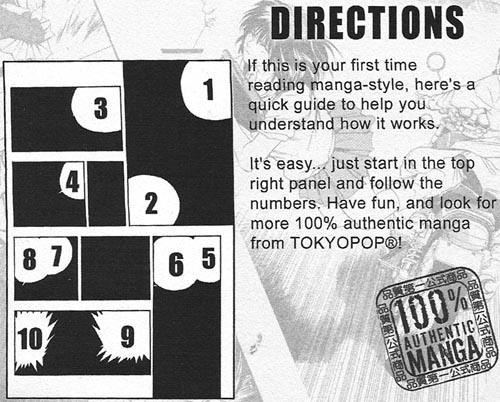
Reading order, page format and language must all fit the destination. Page-based manga can use facing spreads. A vertical-scroll episode controls timing through the distance between panels. Adapting one to the other takes rearranging art and dialogue on top of resizing the images.
Right-to-left (RTL) and left-to-right (LTR) describe the reading sequence. Horizontal and vertical are a separate presentation choice in the MANGA Plus Creators interface. The MANGA Plus Creators FAQ says you change that setting after publication by deleting and reposting the episode. Reposting resets the views, likes, favorites and badges.
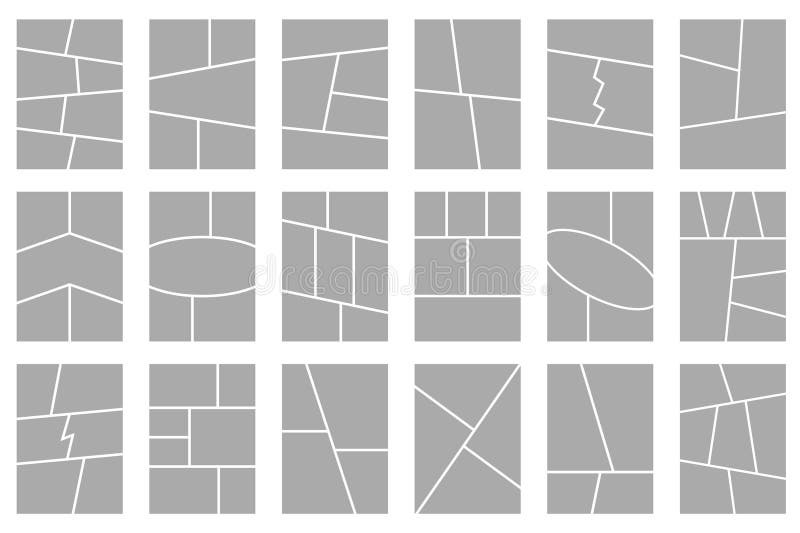
Print adds a language limit. KDP's paperback manuscript guidance documents RTL support for Japanese, Hebrew and Yiddish. It does not show support for an English-language RTL paperback. If your English-dialogue manga uses Japanese-style page order, confirm a printing arrangement before production.
Pick your panel order and your page or scroll format, then verify that exact combination, including language and binding for print, against the destination's specifications. A short test chapter or spread exposes a mismatch while fixes are still easy.
Confirm you have the rights to publish the artwork

In the United States, copyright attaches when original human-authored expression is fixed in a tangible form, according to the US Copyright Office. Registration is a separate legal procedure with additional benefits.
A commissioned illustrator, coauthor or existing agreement affects who may license or distribute particular pages. A platform's license to host the manga is a separate matter. GlobalComix describes non-exclusive creator publishing, but the agreement you sign, along with any earlier commitments, decides what permission you grant.
Before you submit, review your collaborator agreements, permissions for third-party characters or assets, any existing exclusivity obligations and the host's terms. For a serious rights dispute, get qualified legal advice.
Prepare files that meet the publishing requirements
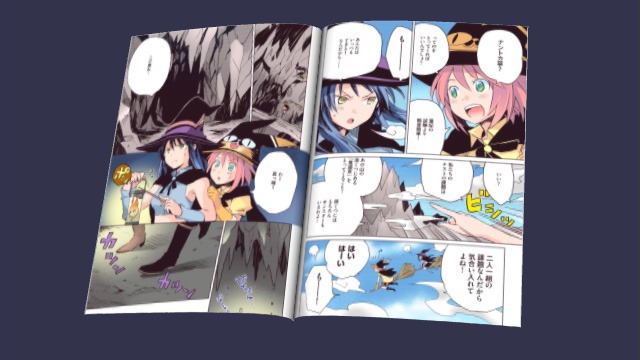
Your art program's working file and the version a publisher accepts can differ a lot. Export specs depend on the destination, so choose them before you finalize hundreds of pages.
| Destination | Requirement | What to export |
|---|---|---|
| MANGA Plus Creators | JPG/PNG; up to 100 pages per submission and 5 MB per image | Keep each episode at 100 pages or fewer and each image at 5 MB or smaller |
| GlobalComix | JPG/PNG, PDF, ZIP or CBZ formats | Upload an accepted file or archive with the pages in reading order |
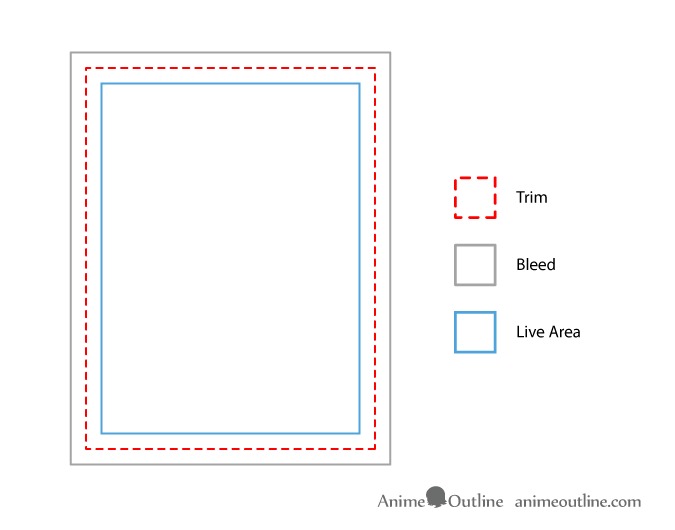
| KDP paperback with full bleed | PDF interior; bleed extends 0.125 inch beyond the top, bottom and outer trim edges | Export for your trim size and bleed setup |
Trim size is the finished size after the page is cut. Bleed is extra artwork beyond the trim line when a design reaches the paper's edge. Keep important text and details safely inside the trim. Pages without edge-to-edge artwork follow a separate non-bleed specification. For KDP, the PDF requirement above applies to a print interior with bleed, not to digital comic files in general.
A manga creator described learning about this requirement after the work had grown far beyond a test chapter:
I hope this is the right place to ask. My manga is at page 177 and it was around150 pages old when I realized Clip Studio had a manga mode with displayed margins. Until then, I worked in Illustration mode with framing templates I mindlessly assumed "invisibly accounted for" bleed. Don't ask...
My attempt to publish on KDP got rejected because "No bleed" and, after I did some adjustments, "Not enough bleed".
Compare the exported files with the destination's manuscript template: trim boundaries, safe margins, page order and lettering at viewing size. Keep the layered originals separate so a corrected export doesn't force you to recreate the drawings.
Publish your manga online through a creator platform
On an open creator platform, you start with a creator account and a series entry, then add an episode and set how readers see it. MANGA Plus Creators by SHUEISHA offers a submission route built for manga. GlobalComix supports page-based and vertical comics, with series details and creator controls.
WEBTOON CANVAS uses a content-rating questionnaire for new series and episodes. Its updated questionnaire began prompting creators on April 21, 2026.
Tapas used to offer a browser-based workflow for creator series, but it is a poor choice for a new manga you want to keep available there long term. On October 1, 2026, the company announced that the service will close on March 31, 2027, at 11:59 p.m. Pacific Time. The Tapas End of Service Notice and accompanying FAQ describe continued creator uploads before closure.
On the platform you choose, set up the series and episode in this order:
- Create the series. Enter its title and description, then add the cover or thumbnail and the required genre or content information.
- Add the episode. Upload the exported pages in reading order and assign them to the right chapter or episode.
- Preview on the platform. Look at lettering, panel flow, cover appearance and any rendering or cropping problems before you make the episode public.
State the premise plainly in the series description. For a vertical-scroll adaptation, give the spacing between panels and the placement of reveals as much attention as the individual illustrations.
If you want a physical manga, order a printed proof
Print adds decisions about trim, page count, paper and binding. Your printer or distributor sets the specs for the interior and the cover.
KDP's cover calculator depends on trim size, page count and paper choice. Even a 24-page one-shot needs its print configuration set before the cover template can be generated.
A monitor preview can look convincing while a physical proof reveals tonal or alignment problems. One graphic-novel creator described repeated trouble preparing a nearly finished book for print:
I will try not to make this too long but I’ve worked for two years on a graphic novel that I now have all of the pages for. Im working with PrintNinja to get it printed and every step of the way with them has been so incredibly difficult and frustrating.
The big issue now is color. The blacks and grays are too dark and the blue (done as a spot color per their suggestion) is all muddled, off center, and way way darker than it should be.
I thought the conversion from RGB to CMYK would have some complications, not to mention the stuff with gutters and alignment, but I had no idea that it would this incredibly complicated to get the prints looking anything like the art I received from the artist.
- Interior tones and colors: Watch for blocked-up black areas, lost gray detail and any color that looks darker or misregistered.
- Page sequence and binding: Page through the book in its reading direction and look at facing pages, gutters, spreads and blank pages.
- Cover and trimming: Look at the front, back and spine together, then at artwork near the cut edges.
- Text: Read the speech balloons and look for headers or page numbers that appeared on pages meant to stay blank.
Approve the proof only after reviewing the finished-size book. Then complete the distributor's book setup. For KDP, that covers the book details, categories and the territories where you have the rights to sell, followed by submitting the edition for publication. Once the listing is live, open its public store page.
To approach a publisher, prepare the manga pitch
VIZ Originals sets separate requirements for one-shots and for longer-series proposals.
For a one-shot, VIZ's submission guidelines specify 20 to 50 pages. VIZ prefers finished pages but also considers works in progress and thumbnails. If you submit unfinished material, include an inked character design. A completed original 24-page one-shot fits that range.
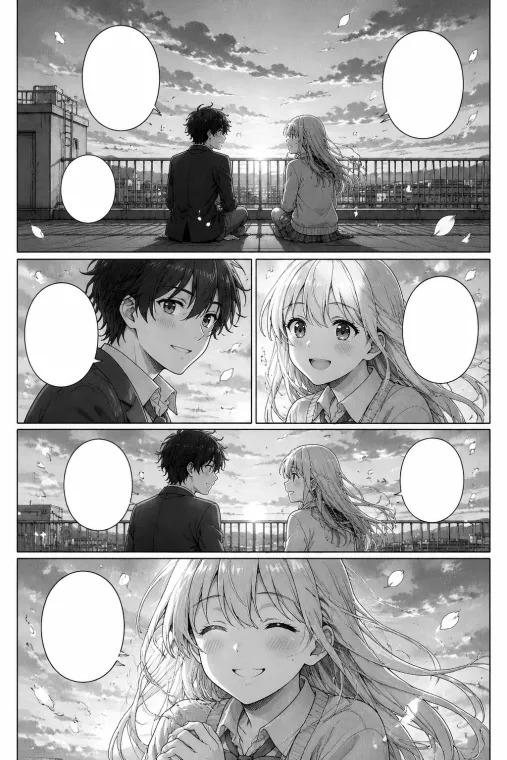
For a series proposal, VIZ asks for at least ten black-and-white sequential sample-art pages, along with a story summary and series outline. Sequential pages show how scenes read across panels, which standalone character illustrations can't do. A clear logline, synopsis and principal characters help an editor understand the planned work.
Kodansha Manga Academy also describes routes including awards, direct editor approaches and online discovery, each with its own eligibility and application rules.
Pick a publisher or program you qualify for, put together the submission it requests and send it through its stated channel. A creator-platform link can support a portfolio where the publisher allows it. It does not replace a required pitch.
Confirm that readers can access your published manga
Your dashboard can show an episode as published while readers can't see it. One creator reported that a manga first appeared publicly and was later made private after another review notice.
I published my manga [title redacted] on August 1st. It initially reached 1st place, and everything seemed completely fine.
Later that night, I received an email saying that my manga was being reviewed for a second time. Eventually, it was made private.
I checked the rules and guidelines on the MANGA Plus Creators website myself, including the rules related to prohibited content and activities, and I couldn't find anything in my manga that I believe violates them. They said that I was spamming my views (or that somebody else was doing it), and that I am manipulating the rating system, even if I was, they didn't say which page specifically.
I sent three emails and received absolutely no response. That's the part that really bothers me.
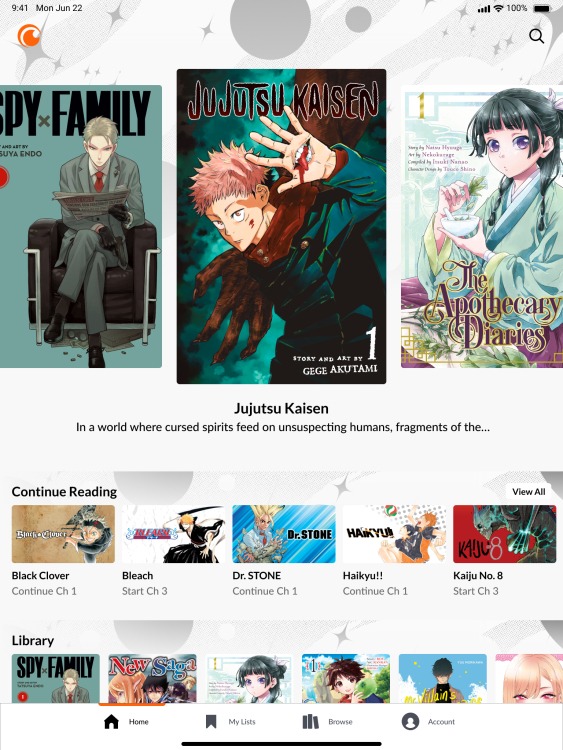
Open the published work through the regular reader-facing page or app, ideally outside your creator account. Confirm that the episode loads, the pages follow the right order and the public title and content information match what you submitted. If the work was hidden or rejected, keep the notice and your original files, read the stated rules and use the platform's appeal, correction or contact route.