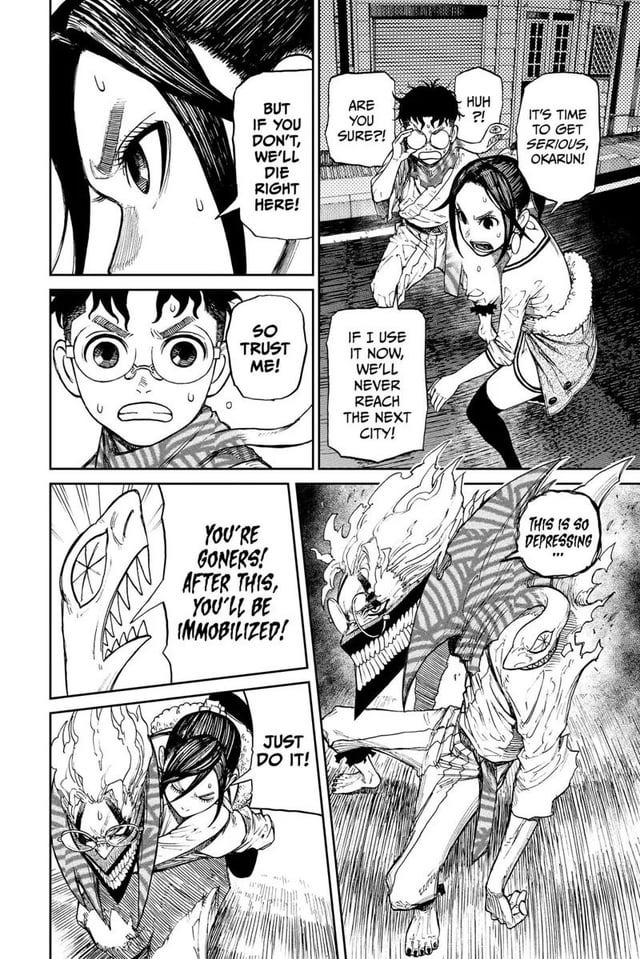
For your first Webtoon, choose a story you care about that is short enough to finish. Build a phone-readable episode, choose a publishing platform early, and test the exported artwork before committing to a series. If you already have conventional comic pages, compare keeping that format with adapting them for vertical scrolling.
You can start making a Webtoon with a drawing tablet, an iPad, or a computer, on your own or with a writer and an artist working together. The harder decision is choosing a process you can carry through to a finished episode.
Choose a Webtoon format before you draw
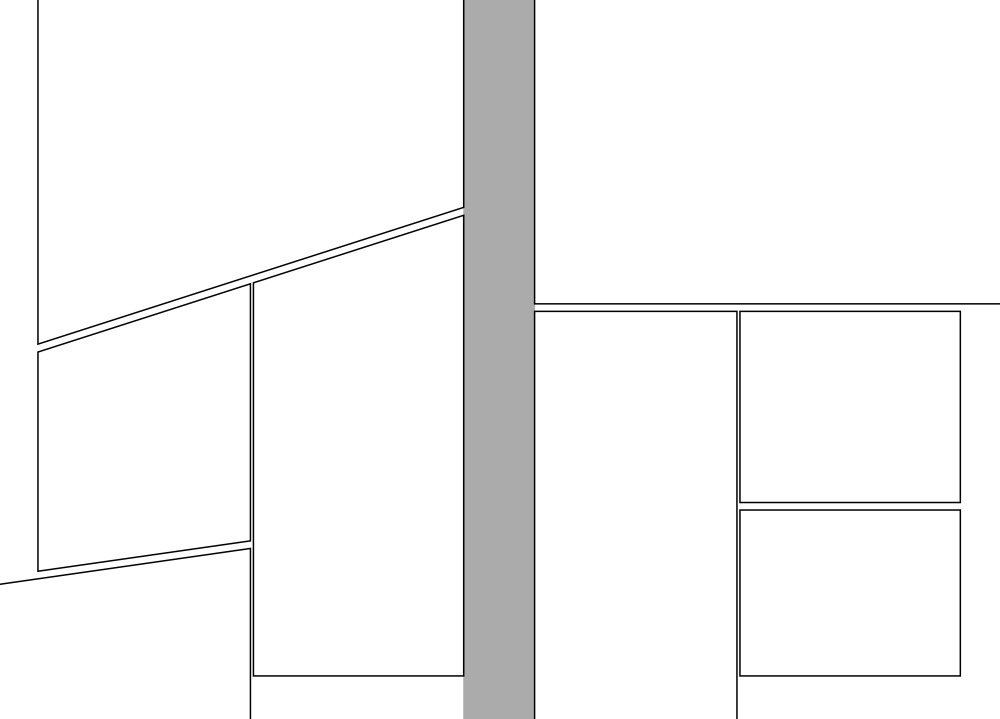
A vertical-scroll Webtoon reveals its story as the reader moves down a screen. A conventional manga or comic page arranges several panels within a fixed composition, often using page turns to control when information appears.
Each format gives the artist a different way to control what the reader sees and when.
A character approaches a closed door. On a conventional page, the door, the character's reaction, and whatever waits behind it can occupy three panels visible together. In a scrolling comic, the artist can put a stretch of empty space after the hand reaches the handle. The next image appears only when the reader moves down, so the delay is part of the storytelling.
Find your starting point
| Your starting point | What to do first |
|---|---|
| A new story designed for phone readers | Choose vertical scrolling and storyboard a short vertical sequence. |
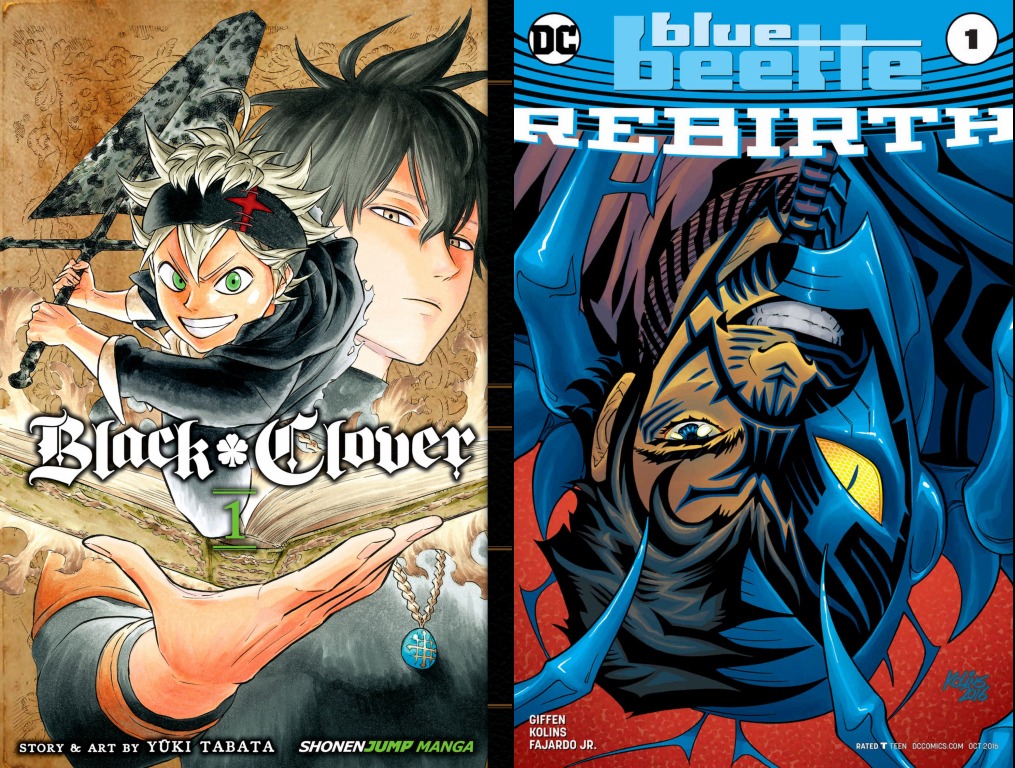
| Finished manga or conventional comic pages | Compare a page with a vertical adaptation of the same scene, then decide whether to keep the pages or rebuild them. |
| A writer working with an illustrator | Agree on the format and who controls the panel arrangement, and set the visual brief before finished drawing begins. |
| An artist using only a tablet or phone | Decide on the format and use a suitable drawing workflow. |
| An undecided beginner | Draw one encounter in both formats and keep the version where the action and dialogue read more clearly. |
For a new phone-first comic, vertical scrolling is a strong option. If you already have finished pages, pick the format before you redo the layout.
Adapting twenty finished manga pages can mean moving panels, adjusting lettering, extending backgrounds, and rethinking dramatic reveals. A scene that reads well on a printed page can need different spacing on a phone.
Sketch one scene in the format you choose, and make its first image, next action, and scene change clear before you invest in finished art.
Choose a first story you can finish

An elaborate fantasy universe can have dozens of characters, complicated locations, and enough story ideas for years. Every distinctive costume, recurring object, and detailed background also creates work you must repeat throughout the comic.
One creator describes burnout after starting with an ambitious multi-arc series:
Starting with my "magnum opus." Instead of starting with a comic that has a lot plot and story development and a ton of arcs, I should have started on a shorter story as a warm up to build up a reader base. I think most people who start in webcomics don't realize how quickly burnout can catch up with you - especially if you are trying to keep up with a weekly/biweekly schedule.
I'm over a 100 chapters in, and some days its a struggle.
Ultimately, I would recommend beginners start something simple and figure out what works for you, including style, paneling, lettering, etc.
You can love an enormous fictional world and still begin with one complete encounter inside it, as long as the premise holds your interest.
Give your pilot a clear ending
Your larger story follows a traveler exploring an unfamiliar city. The first episode could show the traveler arriving, trying to meet someone, and discovering that the meeting was arranged for a different reason than expected.
- A one-paragraph premise. Identify the main character, what they want, and what interferes.
- Three to five story beats. Set up the situation, add a complication, develop it, and finish on a turn or an ending.
- A definition of done. Decide what counts as complete: a readable short scene, finished lettering, and a clear ending or planned episode break.
- A small visual cast. Decide which characters, environments, and recurring objects the episode needs.
A rough outline exposes gaps in the story while changes are still cheap. Tapas' preparation guidance recommends story outlining, character sheets, manageable repeated details, and realistic production expectations.

Even a simple character sheet saves work later. Decide what the character's hair, clothing, proportions, and important accessories look like so their appearance stays recognizable from panel to panel.
Pick a drawing setup
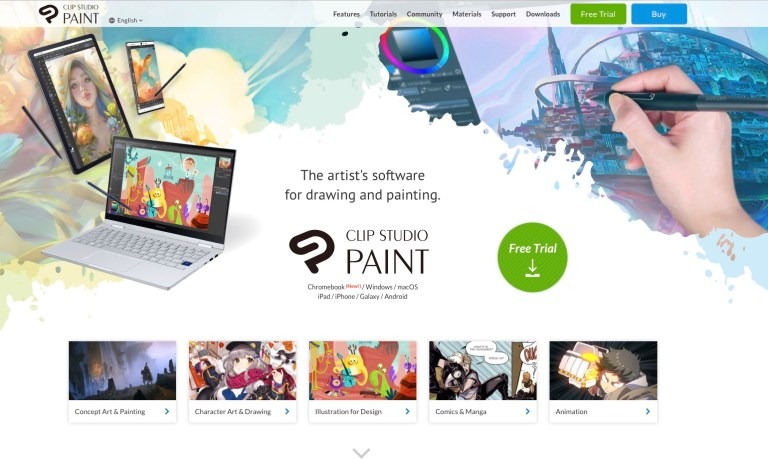
You can create Webtoon artwork on a computer with a pen tablet, an iPad, or another mobile drawing device, as long as your tools handle the artwork and output your project needs. Clip Studio Paint offers comic and Webtoon production functions, and Krita is a free alternative.
If you work with a writer or an illustrator, agree on script scope, revisions, lettering, and who is responsible for exports before substantial finished art begins.
You can draw on a phone or tablet, but WEBTOON and Tapas publish through their desktop websites, so make sure you can reach them.
Make the episode readable on a phone
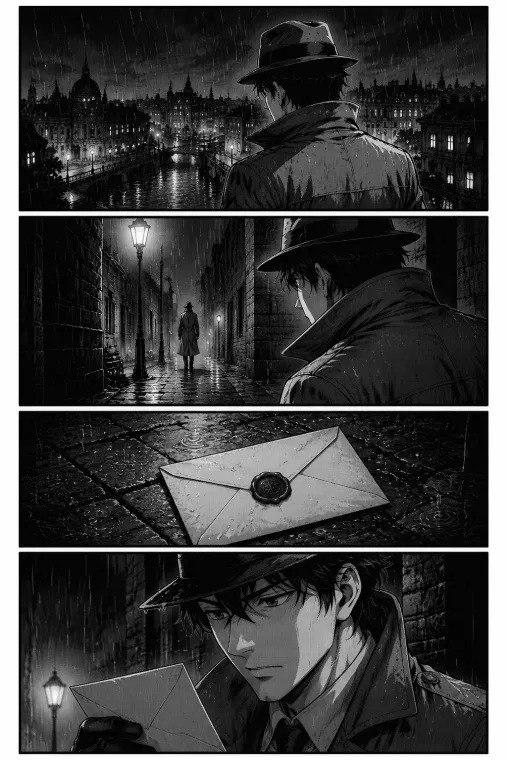
A Webtoon episode needs to communicate actions, dialogue, and changes of scene at the size people read it. Excellent illustrations become hard to follow when panels crowd together or speech balloons shrink into tiny blocks of text.
Start with rough storyboard thumbnails: loose drawings that set the order of actions, camera angles, dialogue, and reveals.
The rough sequence is where you decide how a character enters a scene, what the reader sees before a surprise, and whether a change of location is clear.
Give each moment enough space
Vertical spacing does storytelling work. Two closely positioned panels read as consecutive actions. A wider gap can create a pause, suggest elapsed time, or delay a reveal.
A character hears footsteps behind them. A panel showing the sound, followed by empty space and then a close-up of the character's expression, produces a different rhythm from three equally spaced panels.
One creator lists early mistakes in scripting, lettering, and pacing:
Boy, oh boy, I have a few:
- Not writing scripts beforehand (I knew the general idea of how I wanted the chapters/arcs to look like, but I haven't really wrote any scripts down until chapter 29);
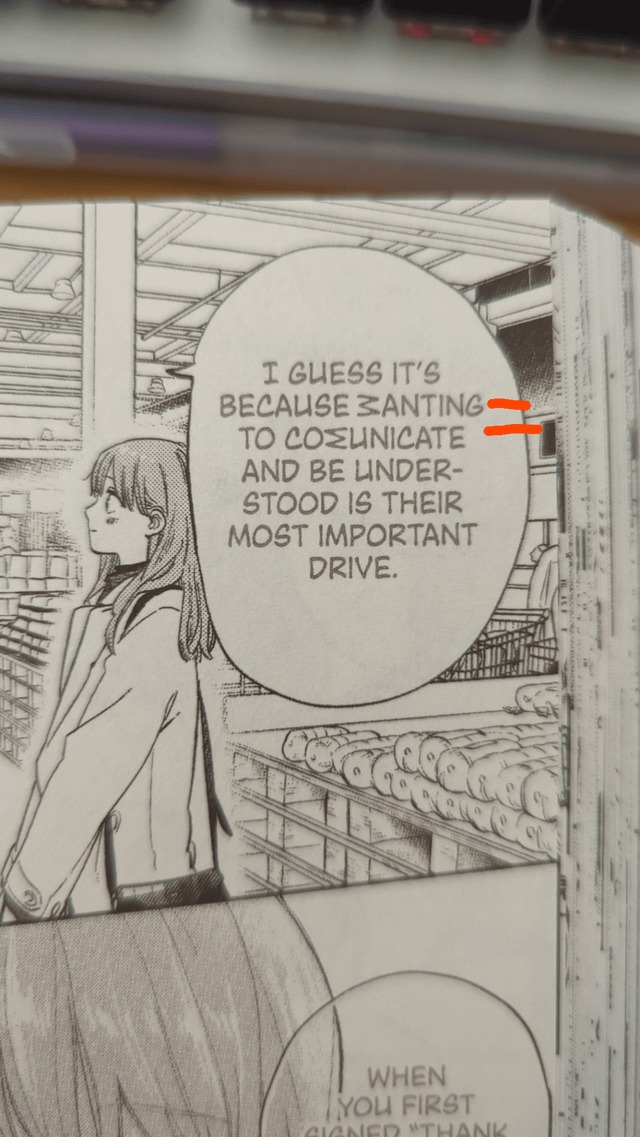
- Too much text for one single bubble speech (I still don't understand why I wrote whole paragraphs in one bubble speech);
- The pace was too slow at times (unfortunately, I'm still dealing with that nowadays);
- Not having a good art style (I was mostly just a traditional artist when I first started. I took a course about comics and thought I'd be able to figure things out);
- Not building a fan base first before posting the comic. The algorithms on any website is worse than ever and they drain the life out of me.
I think these would be the main issues my comic had in the beginning. To be fair, I started redrawing some of the early chapters for the newer viewers, but it's hard to work on the new chapters and old ones at the same time.
Keep the script and panel sequence flexible. Long balloons cover the artwork and slow reading, and splitting, trimming, or moving dialogue is easier while the panels are still rough than after you redraw finished chapters.
Open the storyboard sequence on a phone at its reading size. Follow the speech balloons without zooming, make sure characters stay identifiable after viewpoint changes, and look for places where the sequence becomes confusing.
Test working files and exports before full production

An editable working canvas holds layers, lettering, sketches, and artwork you may still revise. Exported episode images are prepared for reading on the destination platform. Thumbnails advertise the series or an individual episode. Keep these three assets separate from the start.
S-Morishita Studio draws larger original artwork and scales it for Webtoon output.
Know your image assets
| Platform and asset | Size | File note |
|---|---|---|
| WEBTOON CANVAS square series thumbnail | 1080 × 1080 px | Under 500 KB |
| WEBTOON CANVAS vertical series thumbnail | 1080 × 1920 px | Under 700 KB |
| WEBTOON CANVAS episode thumbnail | Recommended 202 × 142 px | Under 500 KB |
| Tapas episode artwork | 940 px wide | No height limit stated for regular images |
| Tapas series thumbnail | 300 × 300 px | Separate from episode art |
| Tapas episode thumbnail | 300 × 300 px | Episode-list image |
The WEBTOON CANVAS thumbnail guidance, updated July 22, 2026, covers both square and vertical series thumbnails, with JPG, JPEG, and PNG supported for those assets.
The Tapas file-size overview lists its image requirements, including the 940-pixel episode-page width. It also sets a 1,000-pixel height limit on GIFs.
Test an export
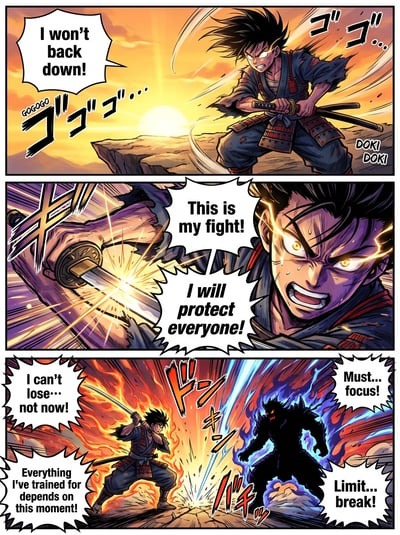
Pick a sample section with thin lines, text, color, and a background that runs across two or more images. Export that sample for your destination platform.
- Confirm fine outlines stay recognizable after resizing.
- Check that text stays clear at its final displayed size.
- Look at each slice boundary and make sure a background crossing it continues cleanly into the next image.
- Make sure gradients and screentones keep their look.
- Confirm each file is prepared as the right asset: episode art, series thumbnail, or episode thumbnail.
On one huge canvas you will not see a background split by slicing. View the exported images one after another and it shows.
Choose a platform that fits your comic
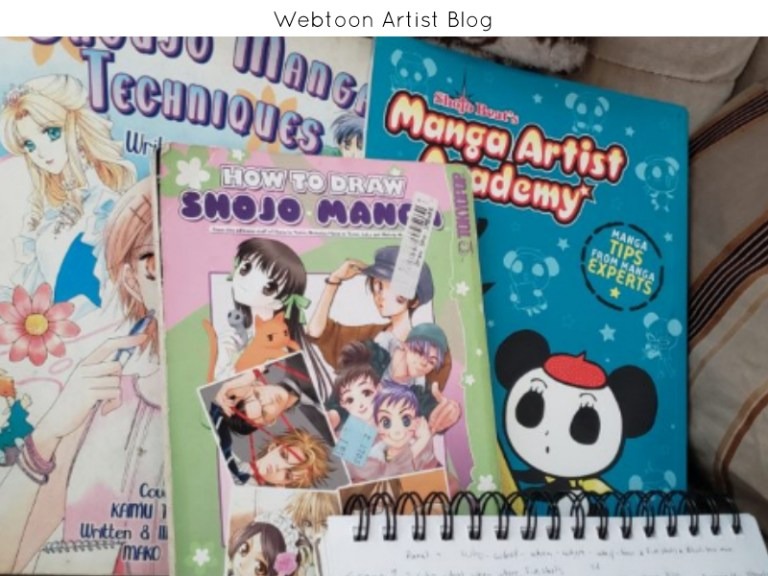
WEBTOON CANVAS and Tapas both let you publish original digital comics. Pick the one that fits your reading format, your access to creator tools, and your ability to prepare the required assets.
WEBTOON CANVAS is WEBTOON's self-publishing option, separate from the professionally managed Originals program. You set up a series and upload episodes through the website's creator tools.
Tapas supports page-format comics, advises checking that their text is readable on phones, and recommends scrolling for mobile reading. Its publishing workflow includes image reordering, previews, draft saving, and scheduling.
Compare the publishing workflow
| Decision factor | WEBTOON CANVAS | Tapas |
|---|---|---|
| Reading format | Webtoon-oriented digital comic publishing | Page-format comics supported; scrolling recommended for mobile readability |
| Publishing access | Desktop website creator tools | Logged-in desktop website workflow |
| Workflow | Create a series and upload an episode | Upload and reorder images; preview, save a draft, schedule, or publish |
Answer three questions to pick a primary destination: does it accept the presentation you want, can you use its creator interface on your devices, and can you prepare the required assets under its terms?
The WEBTOON Academy provides CANVAS creator resources.
Self-publishing puts your comic on the platform. It does not guarantee readers, payment, or a place in a managed program.
Can I publish the same comic on WEBTOON CANVAS and Tapas?Read each platform's terms and any agreements you have made before you post the same series on both.
Group episodes and plan your releases
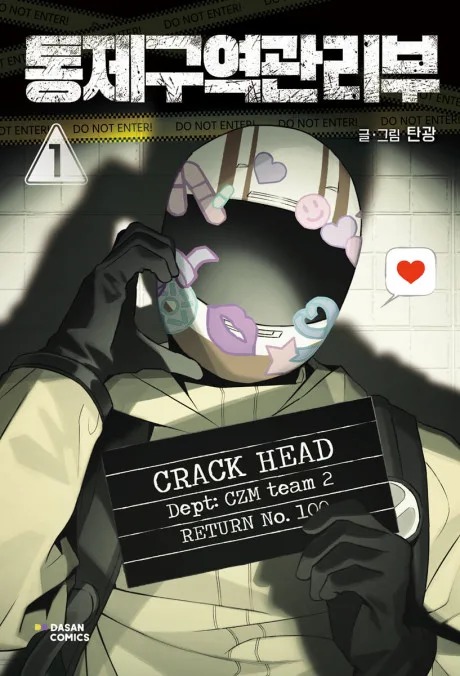
An episode should give readers a useful stretch of story before they need to open another installment. A completed scene, important plot turn, or planned suspense beat can provide a natural stopping point.
This matters most when you adapt a page-based comic. Posting one page at a time produces extremely short scrolling episodes separated by repeated navigation.
One creator batched a page-per-episode archive into longer episodes:
The thing is, I only post spliced comic pages ...ONE page at a time. So each episode in actuality is maybe 6 panels. That takes someone 5 seconds to read before they click to the next episode. So I have 70+ episodes, which means there's no engagement. I recently just added a whole new Intro part to my first episode and I just batched my first chapter into a more scroll friendly format. So instead of 40 episodes for chapter 1, it's now 14.
I mainly did it because the art was old, and I went on that two year hiatus, and I'd rather have people want to catch up rather than click 70+ times.
... I also don't know what to do with all these 20+ redundant episodes now. Im scared to delete them and mess myself up and lose any sort of attention my comic has gotten or completely ruined my algorithm.

Set a rhythm you can keep
Writing, sketching, drawing backgrounds, inking, coloring, lettering, exporting, and correcting mistakes all take time. A release plan has to fit that work alongside the rest of your life.
Measure how long a substantial sample or episode takes you to finish, including revisions. Group the story at natural breaks, then choose a schedule you can repeat.
A solo creator whose episode takes several weeks has a different capacity from a team that divides production among several people. A buffer of finished episodes gives you room for delays. Tapas advises realistic workload planning and preparing work ahead of publication where practical.
Published episodes carry comments, links, and reader history, so change an existing archive with care. Keep the original material available while you decide how a revised sequence reads.
Review the release before the first upload
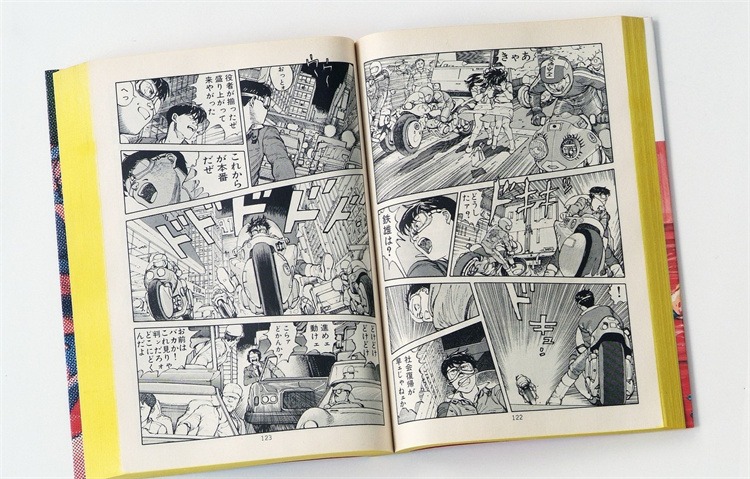
Before publishing, review the assembled episode and the information that accompanies it in the creator interface. A last pass catches mistakes you missed inside the drawing application.
| Release item | What to check |
|---|---|
| Image sequence | Individual artwork images and dialogue appear in the right order |
| Saved WEBTOON draft episodes | The saved episode order matches the order you want to publish in; WEBTOON requires saved drafts to publish in saved order |
| Series and episode details | Title, description, thumbnail, and required classification are correct |
| Reader preview | The assembled episode reads properly in the available preview tools |
| Release selection | You have chosen draft, scheduling, or immediate publication on purpose |
Tapas' publishing instructions specify at least five minutes of lead time for scheduling an episode. Allow for it when you prepare a release right before its publication time.