Pick the camera angle for your panel first, build the room or street in the matching perspective, and place your characters inside that space before you add detail. When the same location appears from another angle, keep its floor plan and main landmarks the same and change only the perspective. To practice, sketch one simple room from three camera positions and judge character scale, continuity, and readability at panel size.
Decide what the background needs to show

A manga background has a job in each panel. A wide view can establish the doorway, the desk, and where the character stands in the room. A close view of someone reaching for the desk needs only enough surroundings to make the action clear. A detailed environment suits an establishing shot, but not every panel needs one. Above your rough thumbnail, write one purpose, such as "show where the character stands relative to the door," and leave out any object that doesn't serve it.
Choose the camera and the right perspective
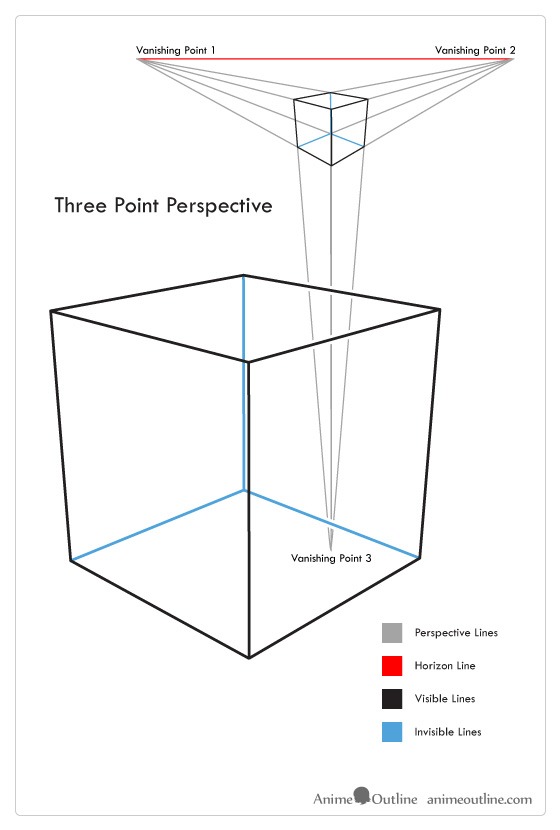
The camera determines how you build the background. Choose where the viewer stands, how high the camera is, and which direction it faces. Those choices set which surfaces of a room show and how its edges converge.
In an ordinary level-camera view, the horizon is the camera's eye level. A seated figure, a standing adult, and a shorter character can share the same setting with their eyes at different heights. The horizon belongs to the camera.
For rooms, corridors, and buildings with straight edges, three setups cover the views you'll meet as a beginner:
| Camera view | Perspective to use | What to check |
|---|---|---|
| Looking along a corridor or toward a wall face | One-point perspective | Edges running away from you converge toward the dominant vanishing point. |
| Facing the corner of a room or building | Two-point perspective | The two main horizontal directions converge at separate points on the same horizon. |
| Looking sharply up or down at tall forms | Three-point perspective | Vertical edges converge too, along with the main horizontal directions. |
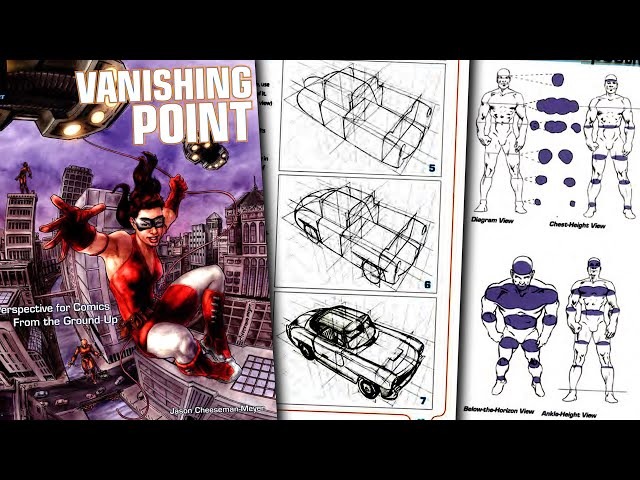
Vanishing points placed too close to the subject stretch a room's depth or width. You can exaggerate that on purpose for an unsettling or dramatic shot. Done by accident, it makes ordinary furniture look warped.
On a disposable thumbnail, mark the camera height, viewing direction, and the vanishing-point directions you need. Trace a few main edges to their points before you commit to the background.
Build the background from large shapes
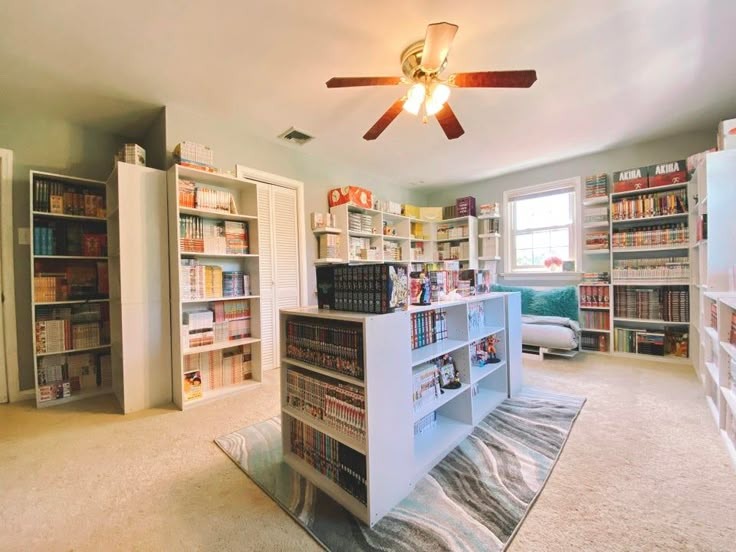
Begin with the floor, walls, and largest objects. Get a recognizable room on the page before you draw drawer handles, wallpaper, wood grain, or fine architectural trim.
One modest room serves as the example. The door is on the back wall, the window is on the right wall, and a desk sits beneath the window with a chair in front. The same arrangement returns in later manga panels.
Draw the floor and walls
Sketch the main floor and wall directions in the perspective you chose for the camera. Keep the guides visible while you place the larger forms. The floor gives furniture and characters one shared surface.
Mark the doorway and the window on their walls. Their positions belong to the room's layout, even though their shapes on the page change with the viewpoint.
Block the furniture before drawing its details
Draw the desk as a rectangular volume. Give the chair a simple seat and back. Each should look like a solid object occupying space, even with the details left out.
Furniture lined up with the walls follows the wall directions. Turn the desk at an angle and its horizontal edges need extra vanishing-point directions within the same camera view.
The same sequence works for a street corner. Start with building masses and the ground plane, then add windows, signs, and surface textures once the main facades agree with your chosen view.
Before inking, cover the fine details and look at the blockout. You should be able to pick out the floor, wall directions, doorway, desk, and chair. A misaligned main edge is easier to repair now than after the desk has drawers, shading, and a finished outline.
Make the characters belong in the background

A character belongs in a background when the figure and the setting agree about the camera, ground plane, relative scale, and which objects stand in front of others.
A creator discussing the backgrounds for a delayed one-shot wrote on r/MangakaStudio: "they look wonky or just like out of place compared to my characters." Start by telling two problems apart: a figure standing in the wrong place in the room, and a figure whose drawing style clashes with its surroundings.
Anchor the figure to the floor
Go back to the room with the window and desk. Place a character beside the desk, both feet touching the floor at points you can mark. A character standing near the far wall needs a scale that fits that depth and the camera's view.
The desk, doorway, and chair give you size comparisons. Judge their sizes by where they sit in the room: an object nearer the viewer looks larger than an identical object farther away.

Match overlap and camera alignment
When the character stands behind the desk, the desk should hide part of their body. When the figure moves in front, the overlap changes. These visible boundaries show the reader where the figure stands.
A high-angle view of a room paired with a figure drawn from straight ahead makes the figure look pasted onto a different scene. Draw the character's visible surfaces from the same viewpoint as the setting.
Inspect the linework separately
A lightly inked character disappears against heavy architectural outlines and dense hatching. A dark, intricate background can overwhelm a figure even after the geometry is correct. That is a tone and linework job, separate from fixing the perspective.
Draw a quick overlay on the rough panel. Mark the character's foot contact points, the camera's eye level, the character's size beside one object that stays put, and the key overlaps. Resolve any disagreement between them before you adjust the finished tones.
Can I draw the character before the background?Yes. When the pose and framing are already fixed, build the surrounding room to fit that camera and ground relationship. Keep scale and depth consistent between the figure and the environment.
Keep the same location consistent across panels
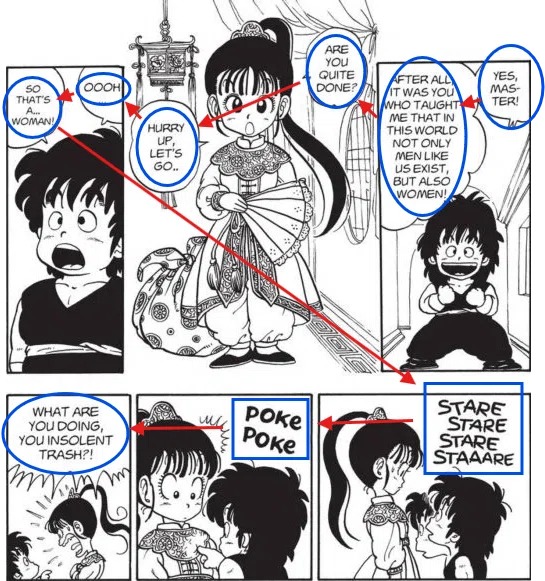
A recurring room keeps the same physical arrangement when the viewpoint changes. Only the way the camera sees the door, window, and desk changes.
The same-room test
Draw a small overhead floor plan of the room you've already built. Mark the door, window, desk, and chair where you placed them, and leave enough walking space to keep the arrangement readable.
Now mark three camera positions on that plan. Each marker shows where the camera stands and which way it faces.
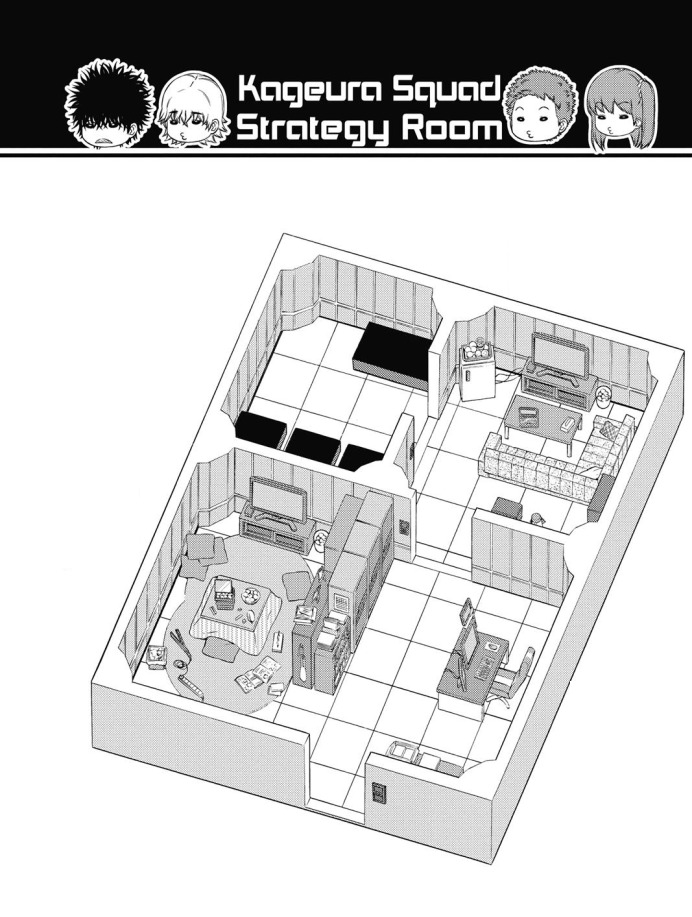
- Panel A: Establish the room. Put the camera near the front-left area, facing the back wall. Show the doorway and enough of the right wall to place the desk and window.
- Panel B: Move toward the desk. Put the camera nearer the back of the room, facing the desk on the right wall, and place the character beside it. From here the doorway sits offscreen or behind the camera.
- Panel C: Look across the room again. Move the camera toward the front-right area and turn it toward the back wall. The door comes back into view from a new angle. Whether the desk shows depends on where you point the camera.
Test what each camera can see
First, see which walls each camera sees. Trace each camera's direction on the floor plan. Panels A and C face the back wall. Panel B faces the right wall, so the window becomes more prominent there.
Next, see what hides what. From one camera the chair can sit between you and the desk. From another it appears off to the side. A wall or nearby furniture can conceal a fixed object, and anything outside the camera's view drops out of the panel while staying in place.

Finally, compare object relationships against the plan. If a finished panel puts the desk against the back wall with no sign that it moved, the panel contradicts the plan. If the desk only shifts from the right side of the image to the left because the camera moved, the room is still correct.
A moving character follows a different rule: their position changes as the action unfolds. Track the figure against the furniture and doorway so the movement stays easy to follow.
Lay the three panel thumbnails beside the plan. For each one, identify the visible wall faces, the objects that should be in view, and the overlaps the camera position allows. The test passes when all three panels show the same room and no door, window, or desk has moved.
Control detail, tone, and focus
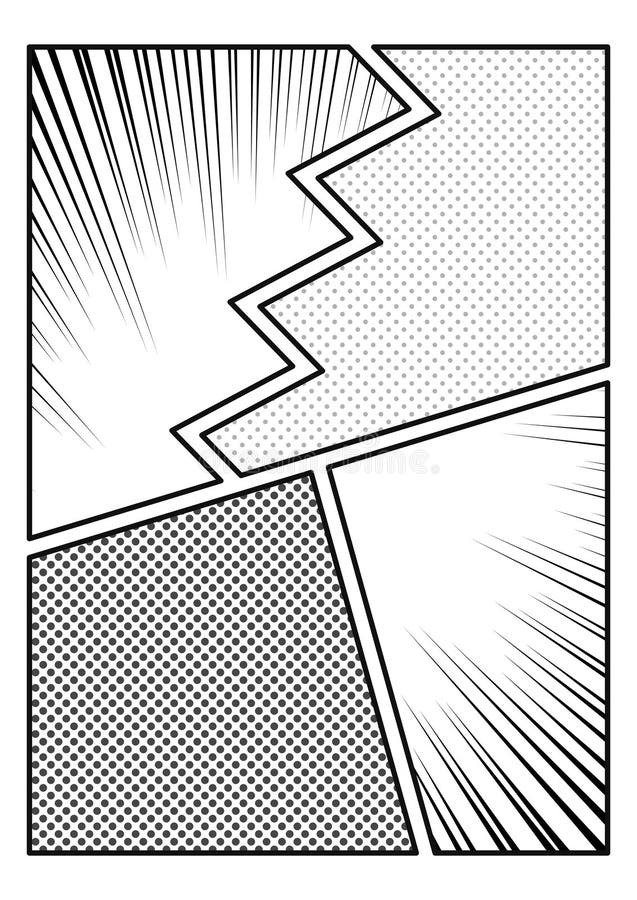
A well-built background can still compete with the character. Outline weight, texture density, the size of dark areas, and where the brightest spots fall all affect where the reader looks.
A creator comparing their work with a reference wrote on r/Mangamakers: "My Background doesn't give me the professional look and i don't know how to fix this problem." When a finished drawing feels like that, start with the area right around the main action.
Keep the depth readable
Foreground, middle-ground, and distant forms help separate the room into recognizable spaces. In the desk scene, a nearby chair can overlap part of the desk while the doorway sits farther back. The viewer can read those relationships without every surface fully rendered.
Texture needs a purpose. Repeated wall marks, wood grain, and dense hatching add finish but make a character's face or hand harder to notice.

Two versions of the same character standing by the desk show it. In the first, dark hatching fills the wall behind the face and covers much of the furniture. In the second, the door and desk stay recognizable, but the marks behind the character are reduced. The geometry is identical. Attention shifts because the tonal arrangement changes.
View the panel at reading size, then compare it with a quick version that leaves out minor texture and tone. Keep the rendering that makes the action and the key location cues easier to recognize.
Choose the right drawing Aid for the scene

Manual guides, digital perspective rulers, 3D scenes, and photographs help in different ways. Choose by the scene's complexity, how often the location returns, and how much control you want over the drawn result. A one-off corridor needs only drawn guides, while a room you revisit often is a better candidate for a reusable reference scene.
| Aid | Useful situation | Trade-off |
|---|---|---|
| Pencil and manual guides | A simple corridor, room, or street drawn without specialized software | You build and check the convergence by hand. |
| Digital perspective ruler | Repeated straight architectural edges following established vanishing points | Lines follow the guides only if the guide setup, snapping, visibility, and layer settings are right. |
| 3D reference or blockout | Exploring viewpoints or revisiting a room in multiple panels | It takes initial setup, and you adjust the style afterward. |
| Photo or observed reference | Studying real forms, materials, or arrangements | Using something as a reference doesn't automatically give you permission to reproduce a third-party image. |
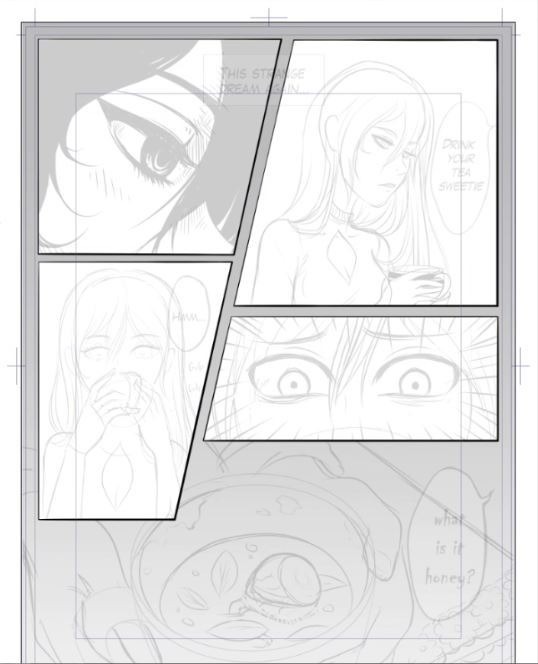
Digital rulers and 3D references
The Clip Studio Paint perspective ruler manual documents vanishing-point-based drawing tools. When a stroke won't follow the guide you expect, look at the ruler, the snapping behavior, and the layer settings.
Clip Studio Paint also supports manga workflows that place a 3D figure and environment within a shared scene camera.
A 3D reference supplies consistent geometry and leaves the linework and tonal treatment to you.
When third-party photographs or assets are reproduced in finished published work, read the terms of that source. Clip Studio ASSETS usage guidance describes permissions and exceptions for its materials, and those permissions don't automatically extend to unrelated sites or marketplaces.
Fix a background that still looks wrong
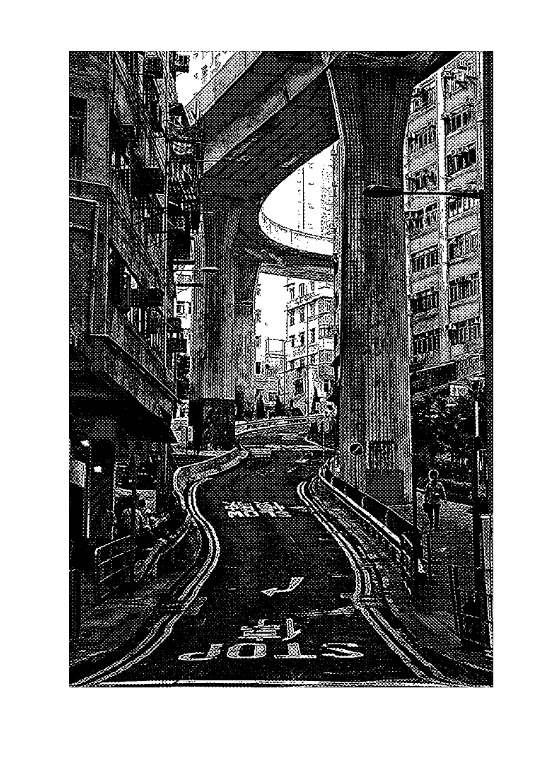
Diagnose the visible symptom before polishing the drawing. A distorted desk, a floating character, a changing room layout, and an overly dark background point to different parts of the process.
| Visible symptom | Check | Correction |
|---|---|---|
| The room or furniture looks stretched or twisted. | Follow the main receding edges back. Do the vanishing-point directions match the camera and each object's orientation? | Rework the affected large forms and their convergence before you refine details. |
| The character seems to float or change size unexpectedly. | Locate their ground contact, compare scale at that depth, and inspect overlaps with nearby objects. | Move the feet to a marked floor point, resize the figure to fit that depth, and fix any wrong overlap. |
| A recurring room seems to change shape between panels. | Compare wall, door, window, and furniture relationships with the floor plan. | Move any object that contradicts the plan back where it belongs, and allow for the changed camera view. |
| The architecture overwhelms the character or action. | Compare detail density, black areas, and tonal emphasis around the focal subject at reading size. | Reduce the competing marks or rebalance the contrast. |
| Digital lines fail to follow the ruler. | Is the ruler visible, is snapping on, and does the ruler apply to the layer you're drawing on? | Switch on what's missing or move the guide, then draw a test stroke. |
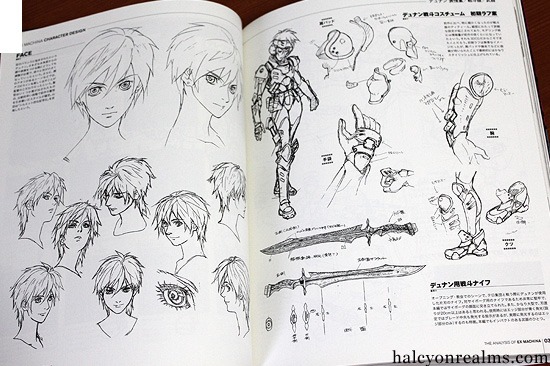
Start with the first problem that applies to your panel. If the floor and large objects already agree, rebuilding their perspective won't fix a contrast problem. If the room is physically inconsistent, extra hatching only makes the wrong construction more elaborate.