Start with free MediBang Paint. If it handles your panels, lettering, editable files and page organization, stay with it. Pay for Clip Studio Paint PRO when its drawing and comic tools improve your single-page work, and for EX when you need multi-page management. Before you spend anything, build the same three-page manga in each option your device supports.
By the end of a chapter you will have redrawn panel borders, moved dialogue, adjusted screentones and reopened the same character on many pages. Your software has to keep all of that editable and organized. MediBang Paint and Clip Studio Paint both make manga. The difference shows once you work on a whole chapter instead of one page.
Clip Studio Paint or MediBang: which makes sense for your manga?
Decide what you are making first. A short black-and-white one-shot puts modest demands on page management. A serialized comic with frequent dialogue changes and page reordering asks much more of your software. Pick one target: a single page, a five-page one-shot, or a chapter whose pages you will revise together. Then name the one result you cannot compromise on.
| Option | Best starting situation | Switch when |
|---|---|---|
| MediBang Paint | You're learning manga or making a short comic on a small budget. | A required editing, organization or device task becomes difficult. |
| Clip Studio Paint PRO | You want its drawing and comic tools for individual pages. | You need chapter-wide page management. |
| Clip Studio Paint EX | You'll use Page Manager and other EX comic-production features. | You would rarely use those features, so the extra cost buys nothing. |
Can both apps handle panels, screentones, and lettering?

Yes. Both apps cover the basics: setting up a comic canvas, drawing panels, inking, applying tones and adding text.
MediBang's comic-making tutorial describes panel division and related page-production tools. Clip Studio provides comic manuscript settings and frame tools.
| Manga task | MediBang Paint | Clip Studio Paint PRO / EX |
|---|---|---|
| Prepare a page | Comic canvas setup and guides | Comic manuscript and canvas settings |
| Create panels | Panel-divider tools | Comic frame and border tools |
| Ink and shade | Brushes, layers, screentones | Inking tools, layers, screentones |
| Add dialogue | Text tools | Text and comic lettering tools |
| Prepare print artwork | Comic manuscript workflow | Trim, bleed, and binding-related settings |
The clearest gap shows when you need to change inking you've already done.
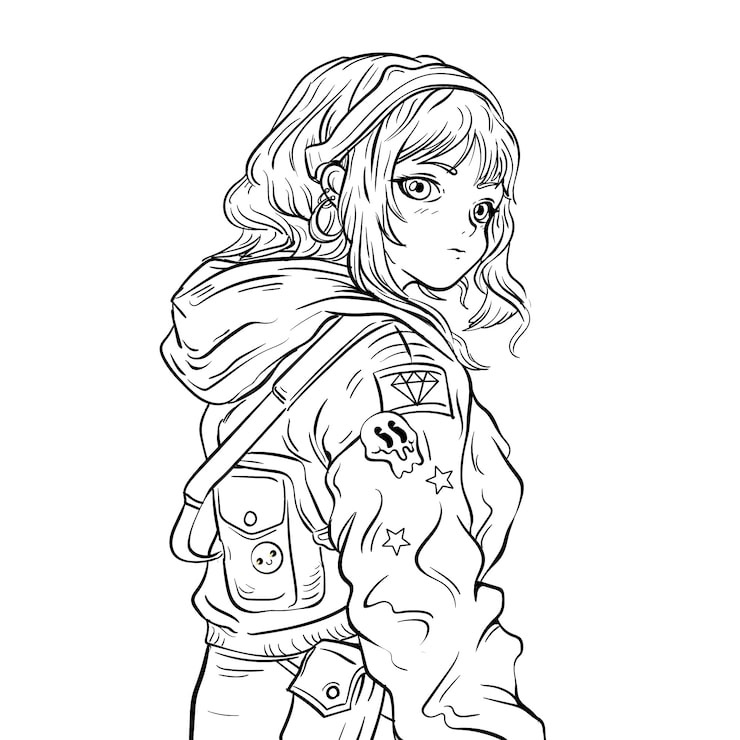
Clip Studio supports vector layers for linework. You can adjust properties of existing strokes, including line width, and use vector eraser functions that remove line segments at intersections. If you often reshape contours or clean up crossing ink lines, test these tools in PRO. The Clip Studio vector-layer manual covers each operation.
Single pages, MediBang cloud project, and clip Studio EX: what's different?

How you organize and edit several pages as one project is the biggest difference.
Clip Studio Paint PRO works page by page. You can finish a longer story as separate page documents, arranging and naming the files yourself. EX adds Page Manager for multi-page projects.
An EX project uses a .cmc management file with individual .clip page documents. Its Story Editor also supports text work across pages. Both matter when a chapter's order and dialogue change repeatedly.
EX also batch-exports a multi-page project. You choose the output format and page range, which helps when you deliver a whole chapter as separate image files or a PDF.
MediBang takes a different route with Cloud Project. With a MediBang account you can create and work on a comic with multiple pages. It is a real multi-page option, but it depends on your account and the cloud, while EX uses managed files. A free MediBang account includes 3 GB of cloud storage, three team memberships and three saved work versions. Look at those limits if cloud organization is central to your project.
In EX, the .cmc management file and its .clip page documents form one connected project. The Clip Studio page-management manual says to handle managed pages through Page Manager. Rearranging or replacing those files in your operating system's file manager can damage the project.
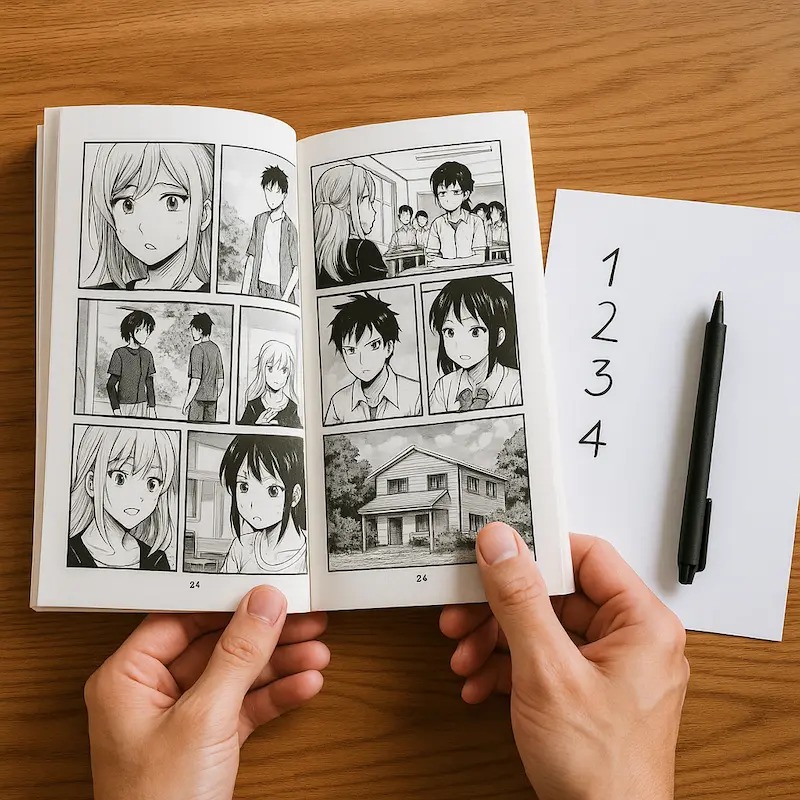
Take two artists making ten-page one-shots. One finishes each page in order and rarely changes the sequence. Separate documents suit that routine. The other moves pages around, changes dialogue throughout the story and needs to navigate the chapter as a unit. EX has tools for those edits.
List how your chapter work runs: page navigation, renaming and reordering, repeated dialogue changes, and local versus cloud access. These needs tell you more than the page count does.
Cost and editions: free MediBang, clip Studio PRO, and EX

MediBang Paint has a free base application. Clip Studio Paint charges for licenses or plans, and the terms vary by edition and device.
At its March 2026 Version 5.0 launch, Clip Studio listed Windows/macOS perpetual licenses at $63 for PRO and $277 for EX, in US dollars.
| Software or plan | Price | Scope |
|---|---|---|
| MediBang Paint base | Free | Core application; optional paid services |
| Clip Studio Paint PRO 5.0 | $63 | Windows/macOS perpetual license |
| Clip Studio Paint EX 5.0 | $277 | Windows/macOS perpetual license |
| MediBang Premium mobile FAQ | ¥350/month | Mobile pricing, in yen |
| MediBang Premium, 20 GB tier | ¥2,480/year | Annual plan, in yen |
The MediBang amounts are yen figures from its FAQ, not US checkout prices, and Premium charges vary by payment channel.
A perpetual desktop Clip Studio license covers the version you bought, under its license terms. Features introduced in later major versions come through separate upgrades or updates. Clip Studio also offers recurring plans and an official PRO-to-EX upgrade path, each with its own terms.
One EX owner who makes webcomics wants the newer illustration features but now depends on EX for chapter work:
So I bought the ex version a few years back really just to streamline webcomic creation- However I also do alot of normal illustration stuff and really want to be able to use the new features but being able to do that with ex is just too expensive for me, however on the other hand I have become reliant on ex’s features for my comics. ... If I were to buy the latest pro edition is there a way to switch between versions?
A license can suit your first project and still leave you with an awkward upgrade decision later.
Before you buy, confirm the exact grade (including whether a bundle supplies DEBUT, PRO or EX), your operating system, the payment term and the version-upgrade rights. Then compare that checkout price with the comic-production functions you will use.
Learning curve
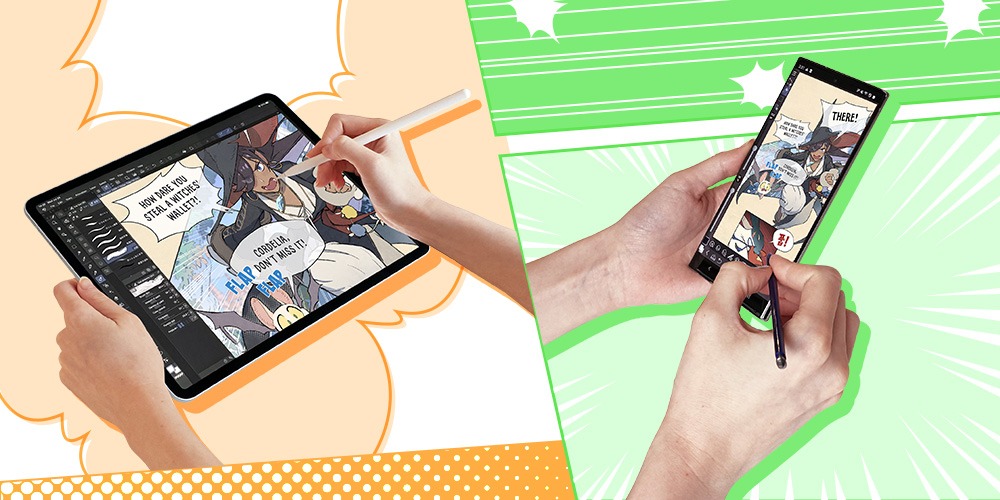
A program can have every feature you need and still frustrate you. Drawing experience does not carry over to a new application's menus, layers and editing conventions.
One artist bought Clip Studio after enthusiastic reviews and then struggled with its interface:
I got Clip Studio Paint because I want to be an animate & draw, I looked at the reviews and saw that everyone was RAVING over how amazing it is so so I decided to splurge ... but now I nearly regret it. It’s incredibly user un friendly & I constantly, consistently run into problems that make it infuriating to use.
I’ve been drawing for a decade, so I’m not new to art, but this program feels overly complicated. Layers behave unpredictably, and basic things like changing contrast or simplifying the interface are hard to figure out.
A decade of drawing did not make the interface easy.
Think about the commands you repeat on every page: changing panel borders, switching between ink and tone layers, and editing dialogue without disturbing nearby artwork. You will use these small edits hundreds of times in a single story.
Saving, PSD transfer, and backups
A finished PNG delivers an image. Your working document needs to keep the layers, lines and dialogue you expect to change later.
MediBang uses .mdp for its native editable documents. Clip Studio uses .clip for page files, and .cmc organizes an EX multi-page project.
PSD can carry editable artwork between applications, and MediBang supports it. App-specific features, text and other editing behavior can change in transfer.
The risk grows when you switch to a different desktop program from a familiar tablet app. A creator who moved from Procreate on iPad to Clip Studio on a PC reported losing several hours of drawing after opening another project:
I just recently switched from IPad procreate to a graphic tablet on PC with clip studio paint, so I'm still getting used to the program. ... Over the time span of 4 hours, I fixed parts of the sketch I didn't like and completed it, (especially the hair was such a struggle🥲), after that I also began with the line art and finished it to 80%.
I then wanted to show a friend of mine something on another drawing I made, opened it via the clip studio projects menu, thinking it'll just open another window. Well.. It opened it in the window where I was drawing and now my progress is GONE.
I didn't think to save it, because I'm used to procreate, where I never had to save 🙁 The weird thing is that I had the auto save option enabled for every 15 minutes, but it didn't save anything!
4 hours are GONE and I'm depressed about it.
The incident predates Clip Studio Paint Version 5.0. That version added an option to record recovery data for individual operations, described in the Clip Studio recovery-data support article. You'll find the setting under Preferences, in the File section. Enabling it can affect performance on some devices. Recovery data helps after certain unexpected closures, but it does not replace saving the editable source document.
Keep these four steps separate:
- Save the editable original. Keep the native
.mdpor.clipdocument with the working layers and dialogue. - Make an independent backup. Store another copy of the native project away from the file you are editing. Recovery data and cloud synchronization do other jobs.
- Export the delivery files. Make a PNG for finished artwork and a PSD when the project needs editing in another application.
- Reopen and inspect. Use a throwaway layered sample, not a real chapter page. Close and reopen the native file, then confirm the exported PSD kept the layers and text edits you need.
iPad and webtoon work
- Clip Studio Paint's Version 5.0 perpetual licenses cover Windows and macOS. iPad and other devices use different purchasing terms.
- MediBang has comic-panel tools in its iPad app. MediBang Paletta is a separate iPad application with its own free, advertising and purchase options, distinct from standard MediBang Paint Premium.
- A vertical-scroll webtoon needs page preparation suited to its output format. Print-style manga uses manuscript pages.
The three-page test
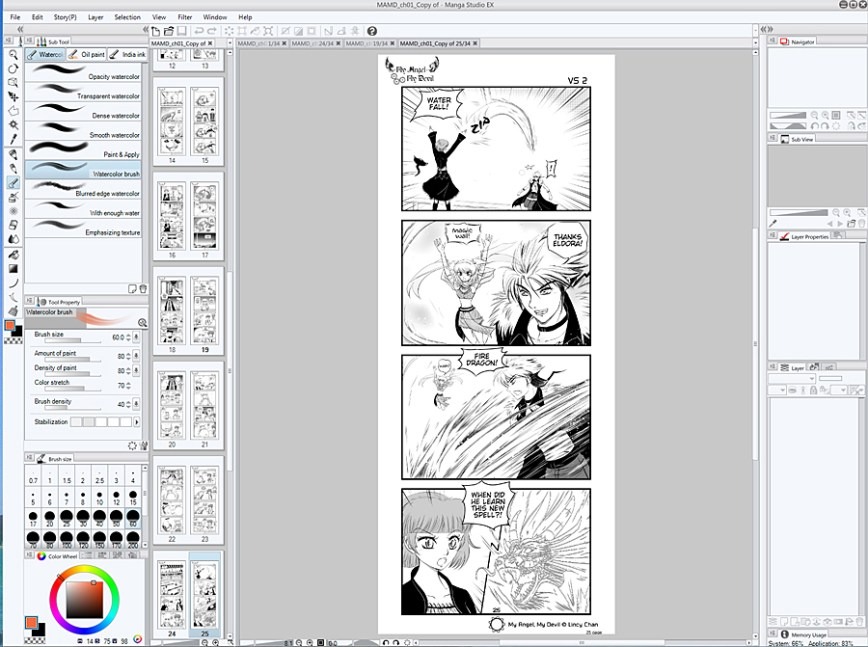
Build the same three-page black-and-white manga in every option available to you. One consistent scene shows you the editing work you will repeat across a chapter.
Keep the story simple: a room, a brief exchange between two characters, and a reaction. Plan four panels on one page and use the other two for setup and resolution. Use the same page dimensions and dialogue in each application.
| Test task | What to evaluate |
|---|---|
| Set up three pages | Canvas and manuscript settings match the destination. |
| Build and revise four panels | Frames and gutters can be adjusted after creation. |
| Ink, tone, and letter | Required linework and dialogue edits are possible. |
| Organize the three pages | Navigation, order changes, and project structure fit the chapter. |
| Export a finished page | The output displays correctly at the intended size. |
The organization task works differently in each option:
- Clip Studio Paint PRO: Work with three individual page files and keep their sequence organized yourself.
- MediBang Paint: Try its multi-page Cloud Project with your account.
- Clip Studio Paint EX: Create a managed multi-page project and use Page Manager to navigate and reorder the pages.
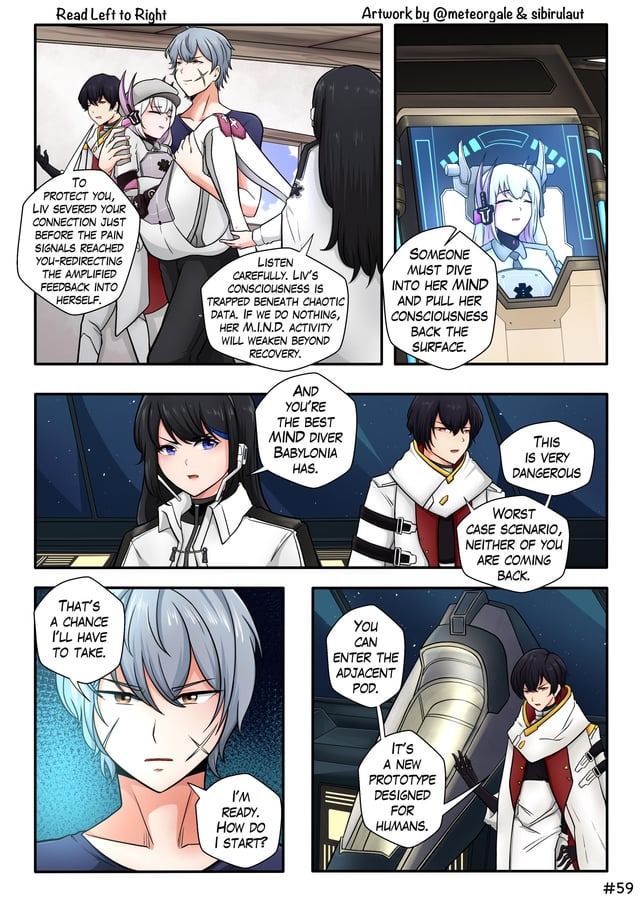
Mark each task completed, workaround required, or blocked. Note whether a failure is a missing feature or just unfamiliar menus. Write down your device, operating system and application version.