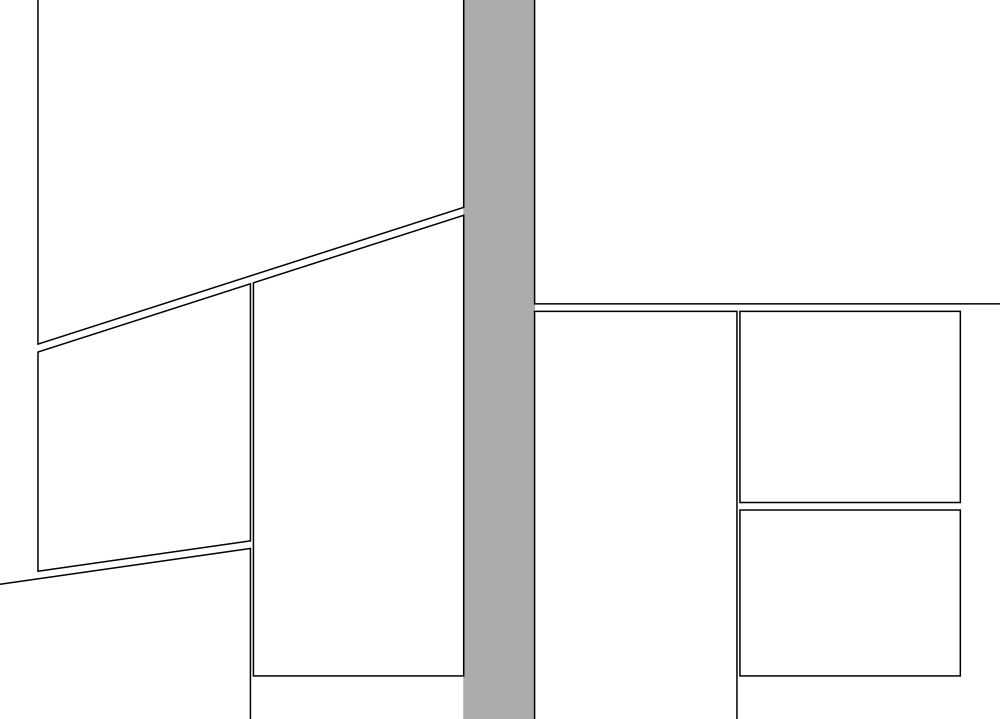
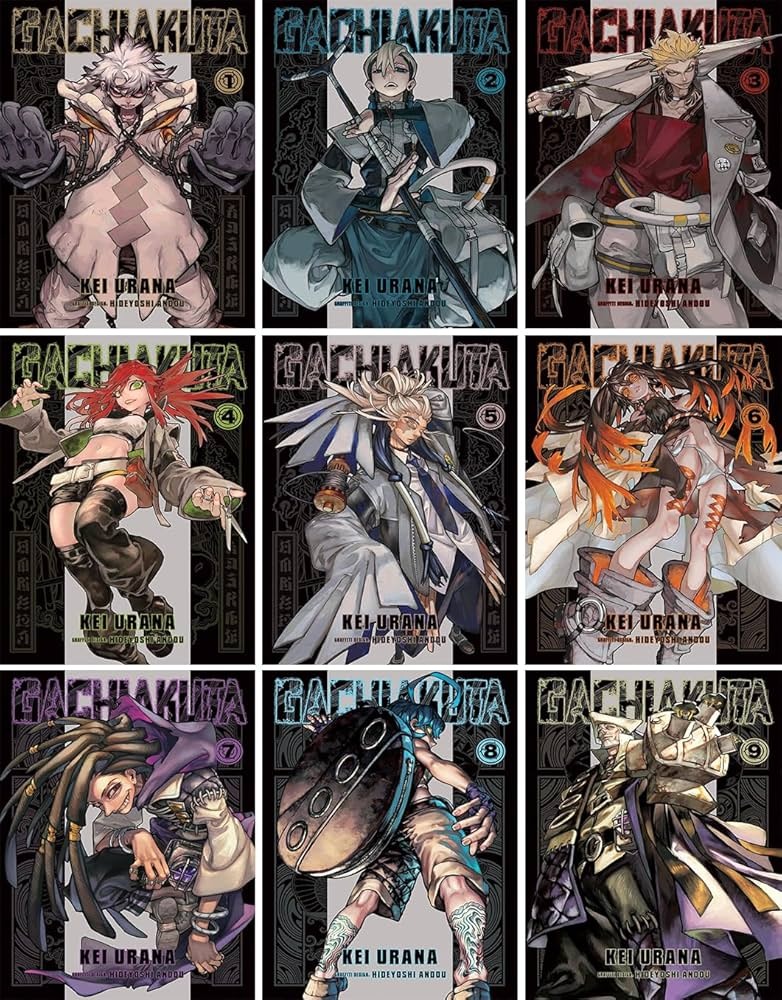
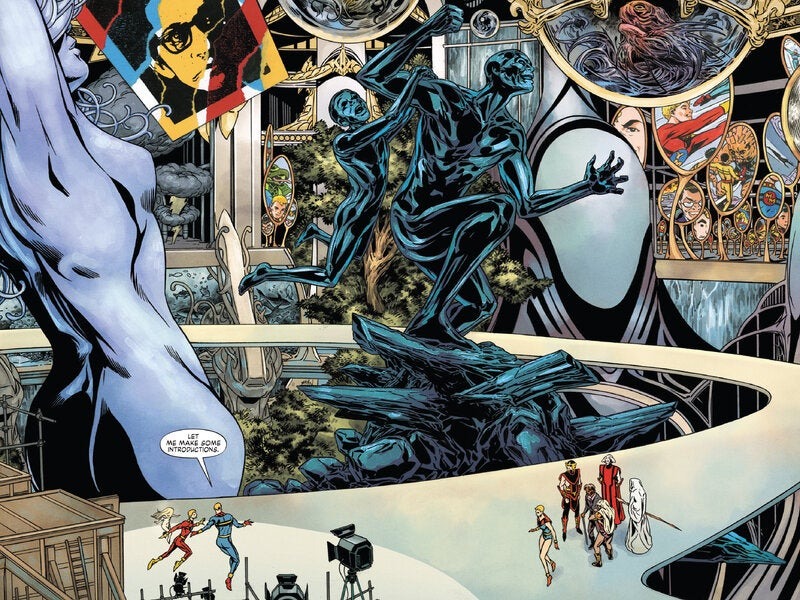
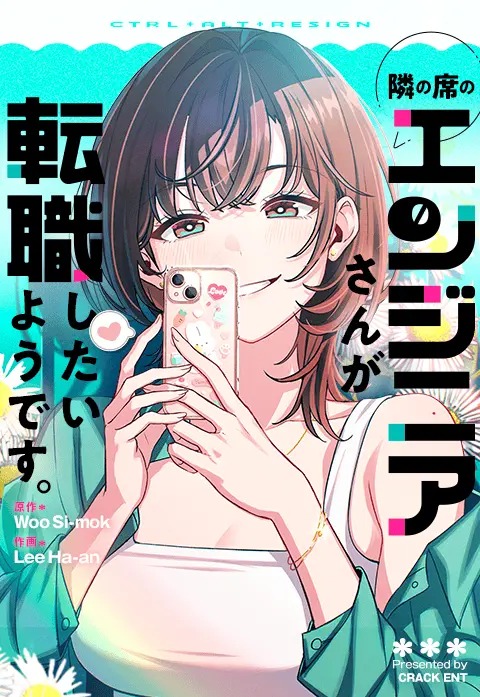
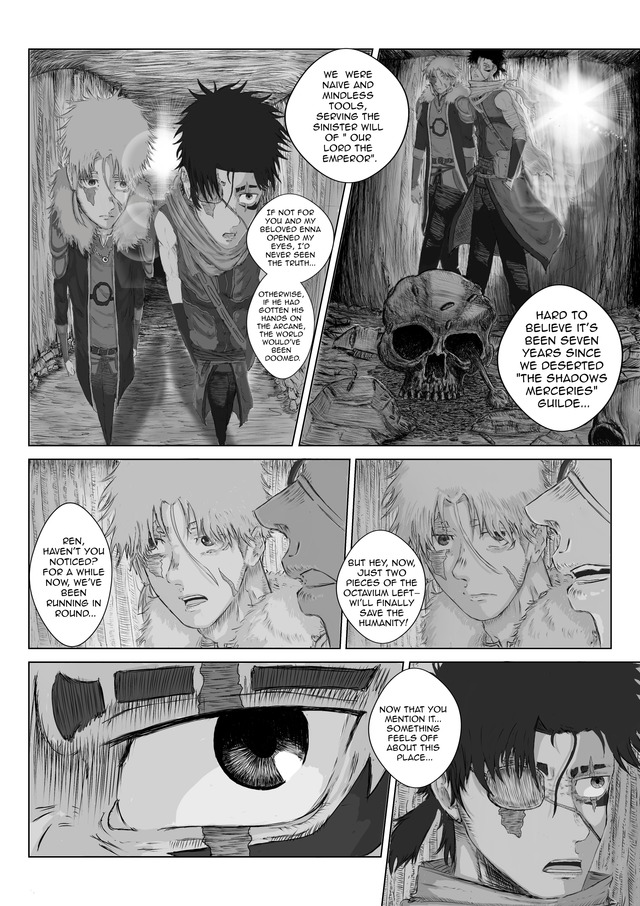
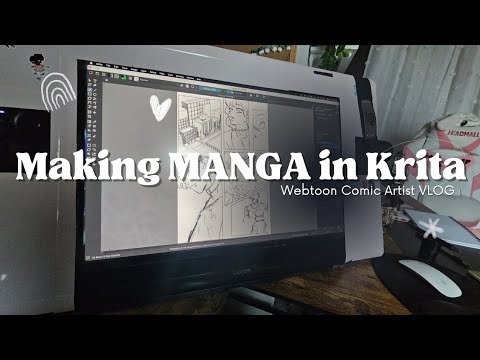
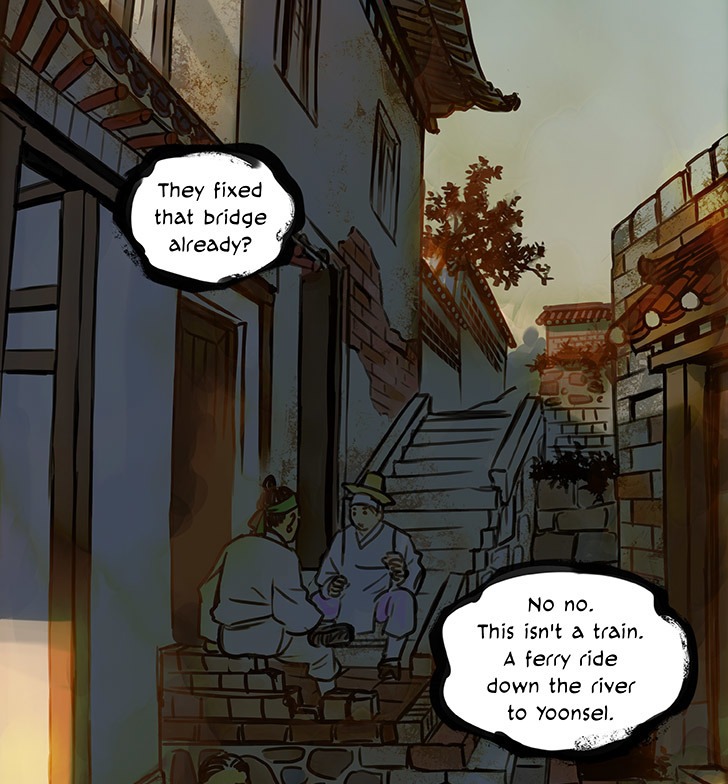
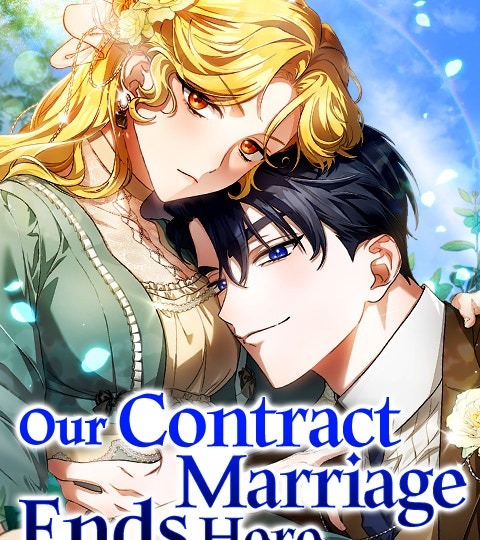
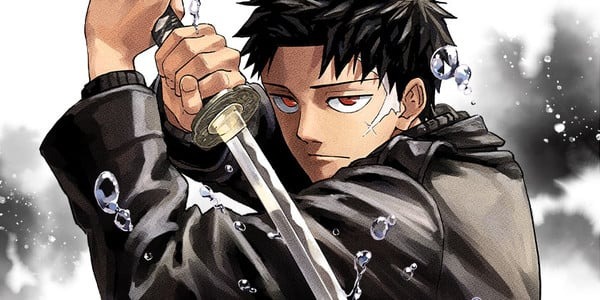
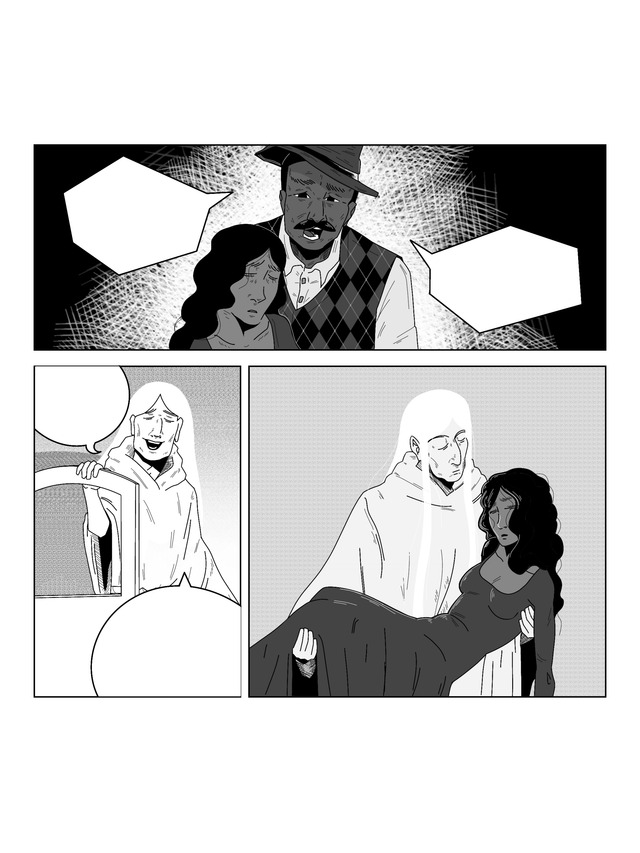
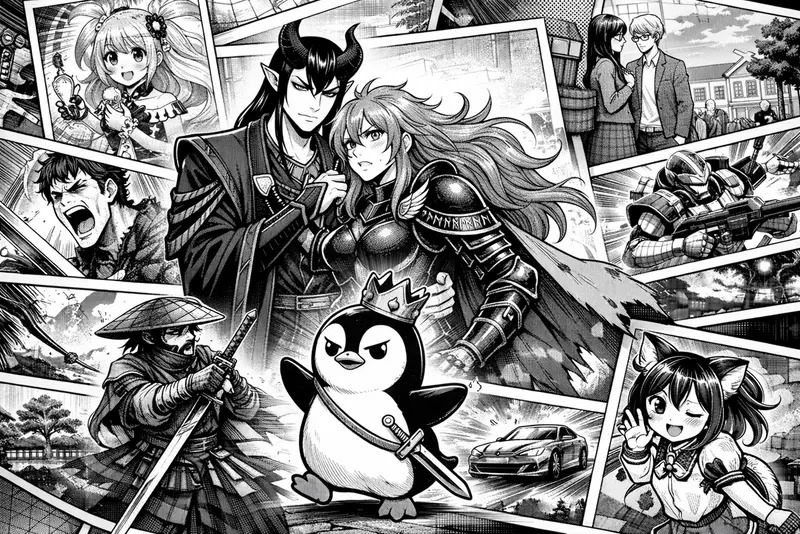
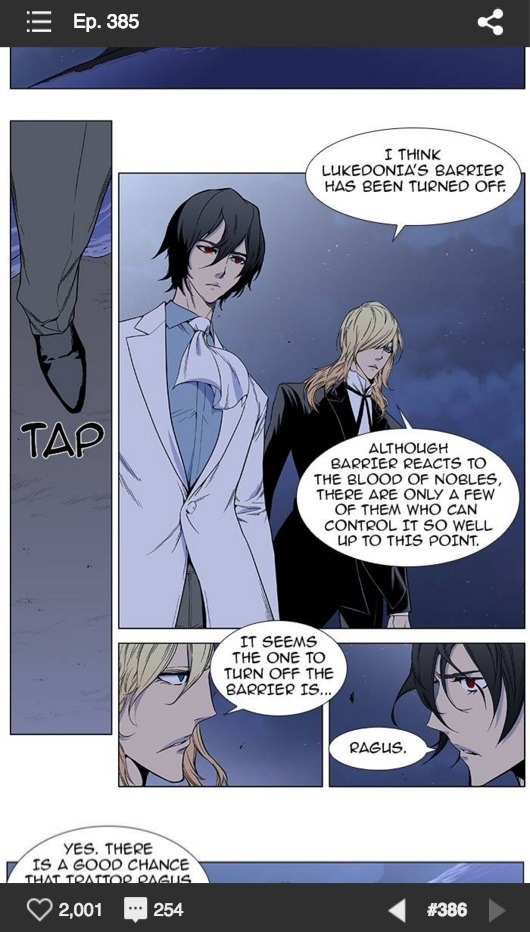
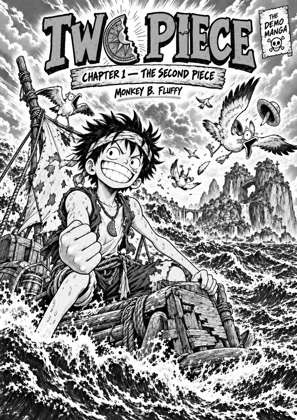
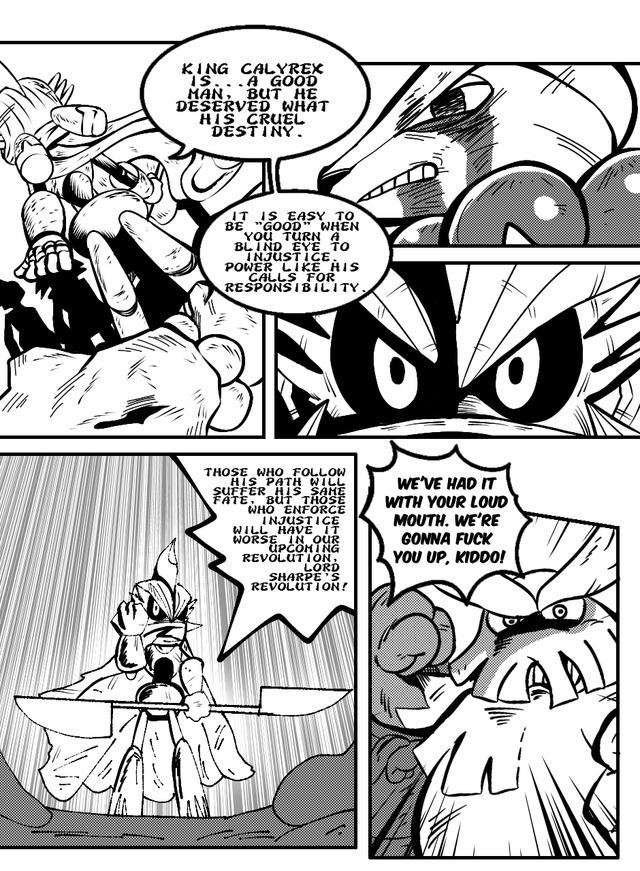
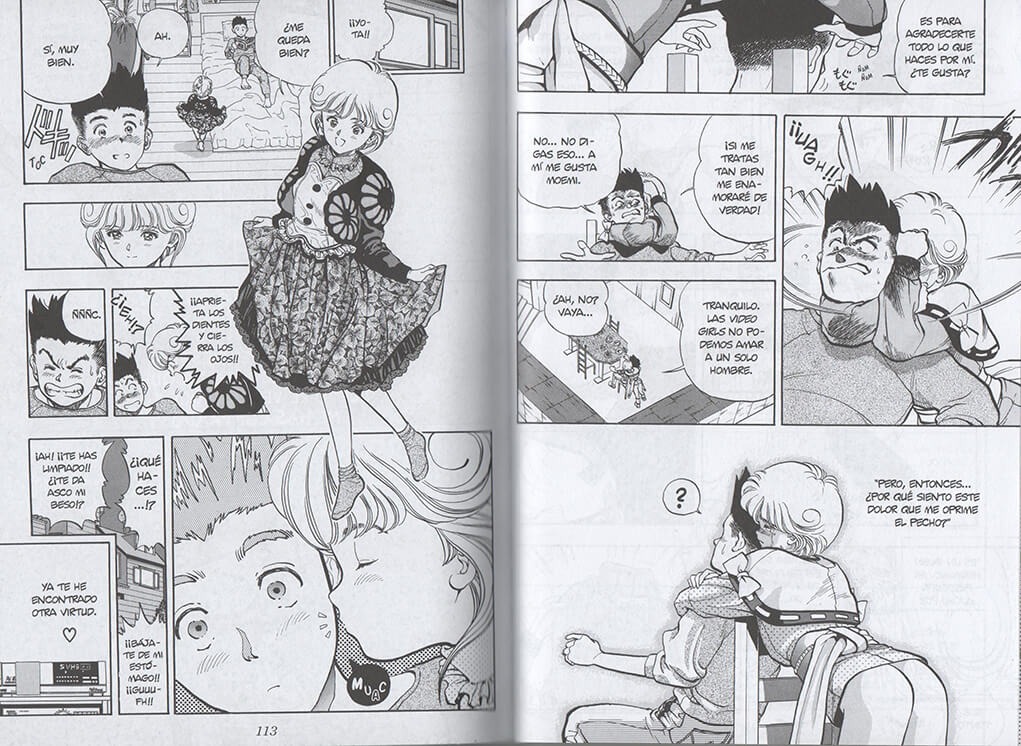
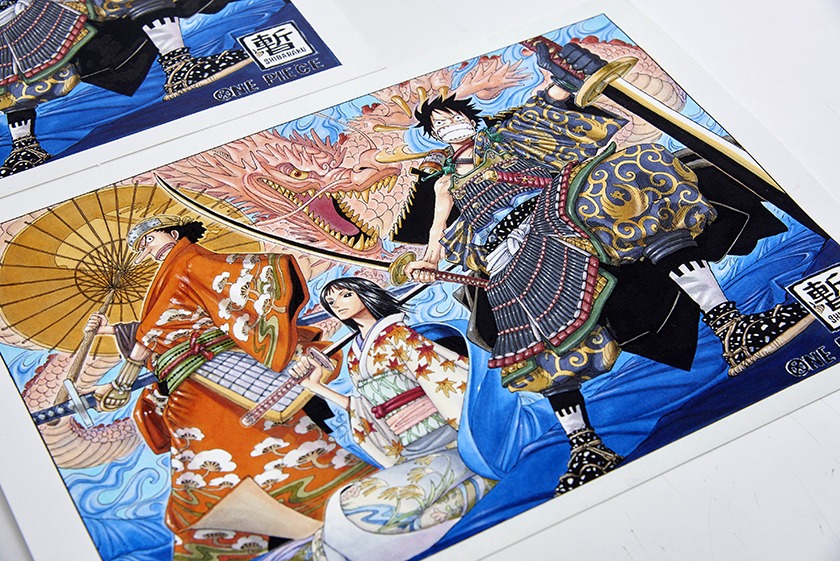
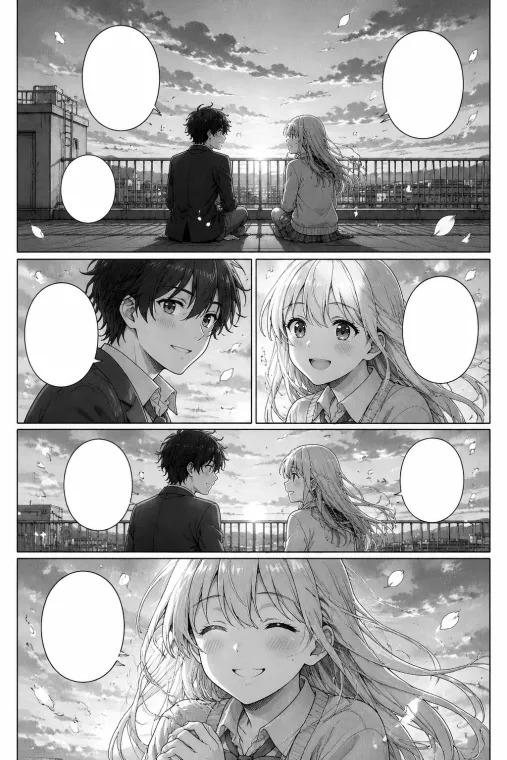
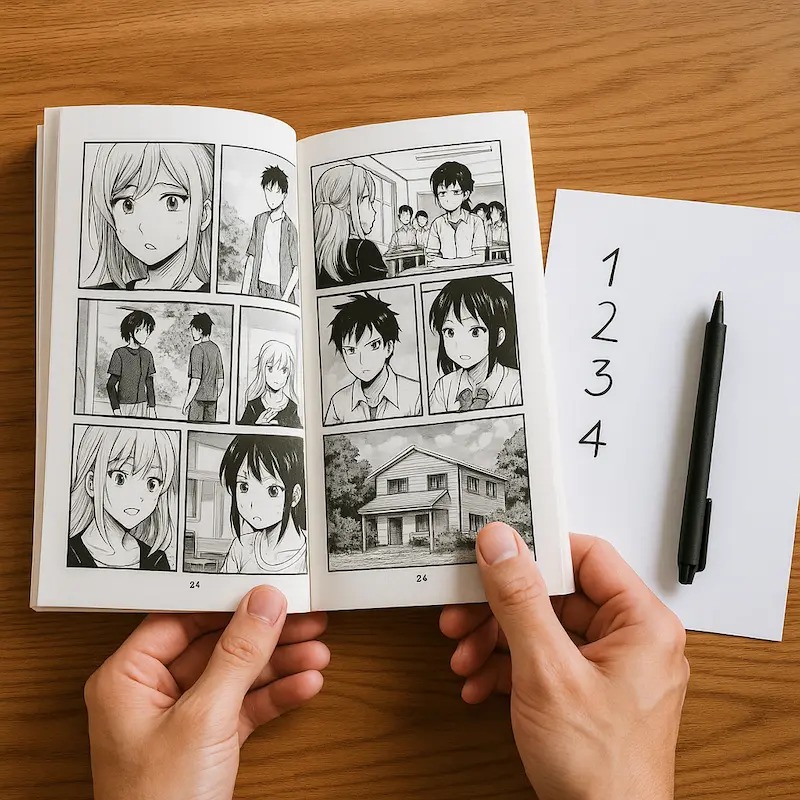
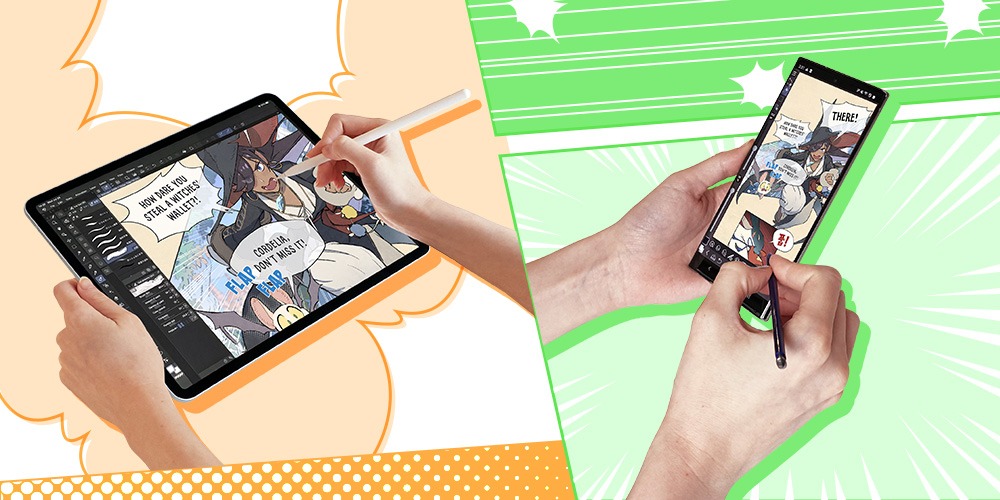
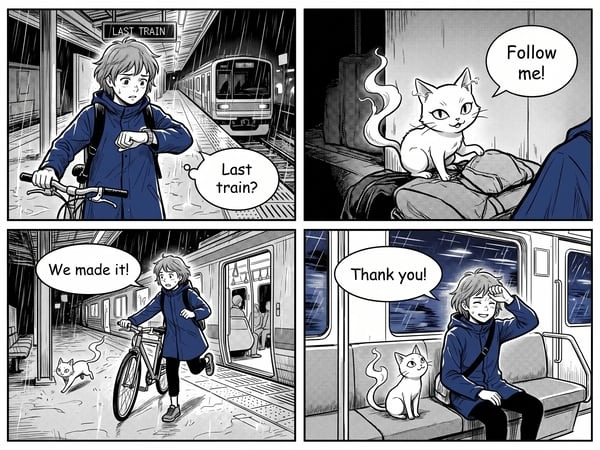
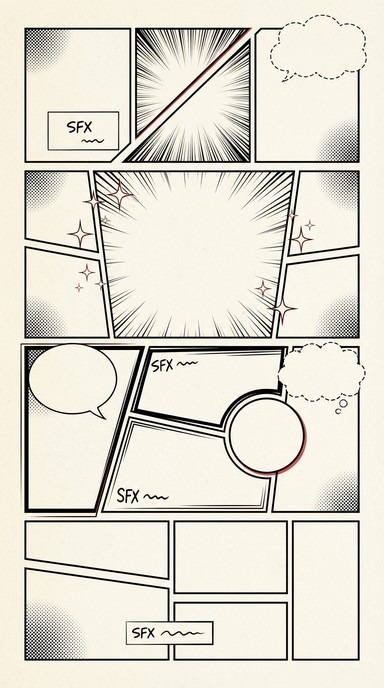
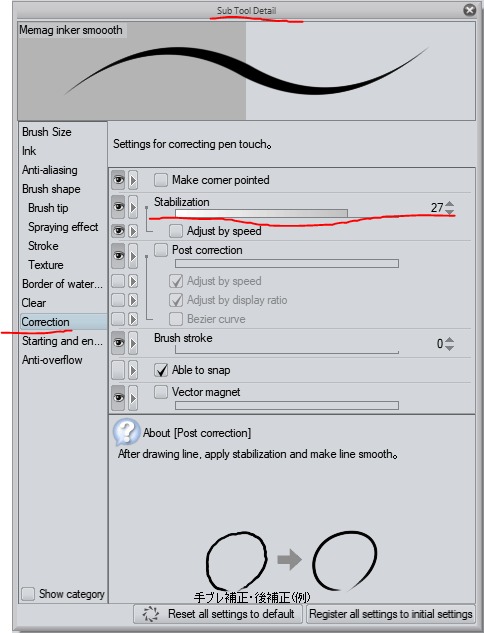
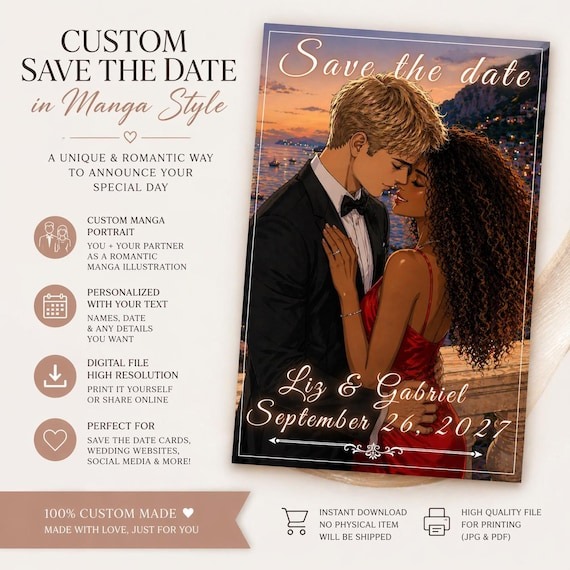
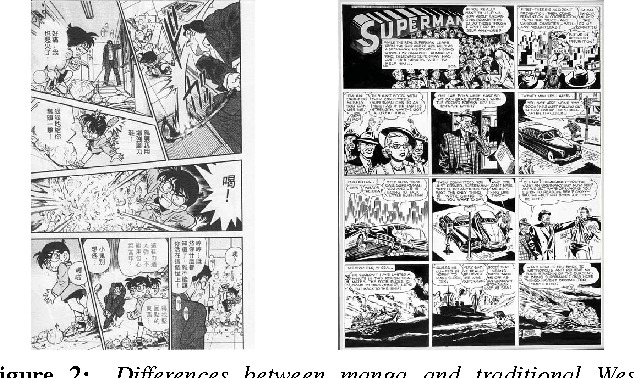
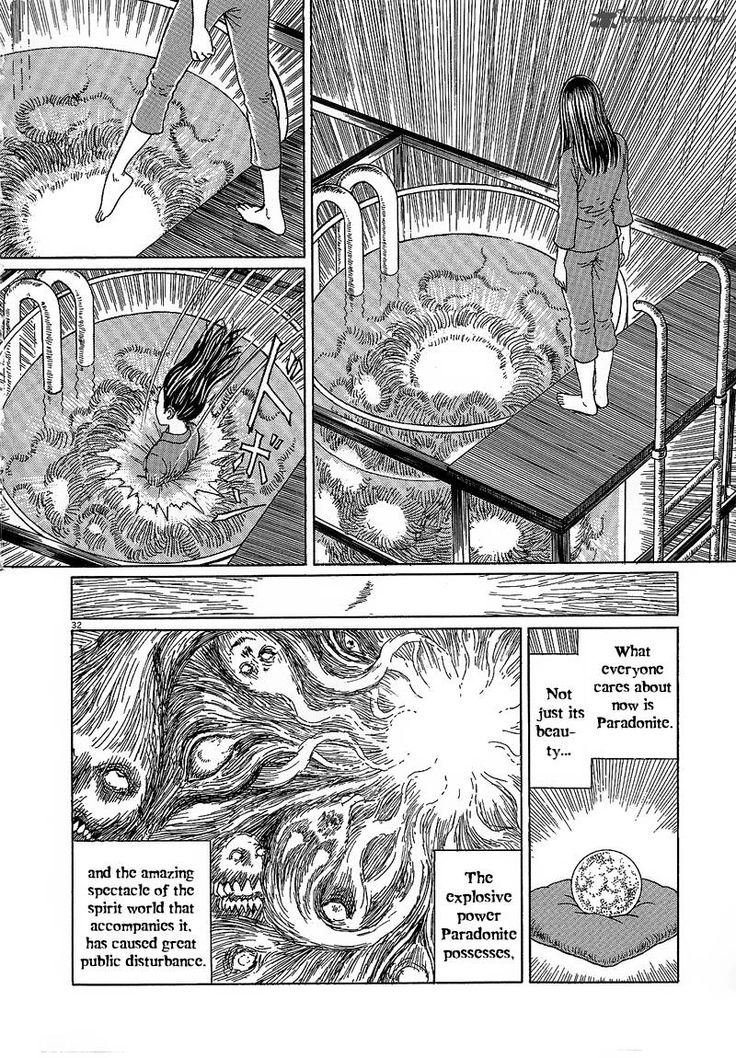
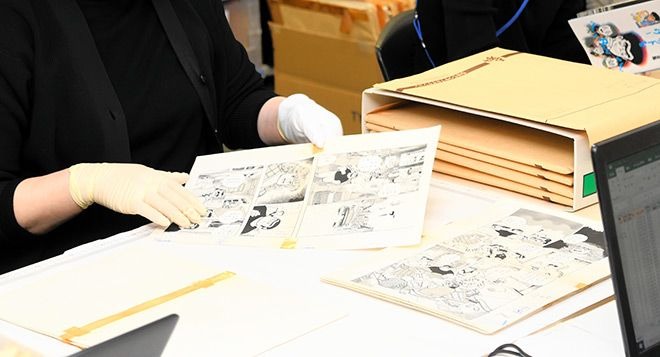
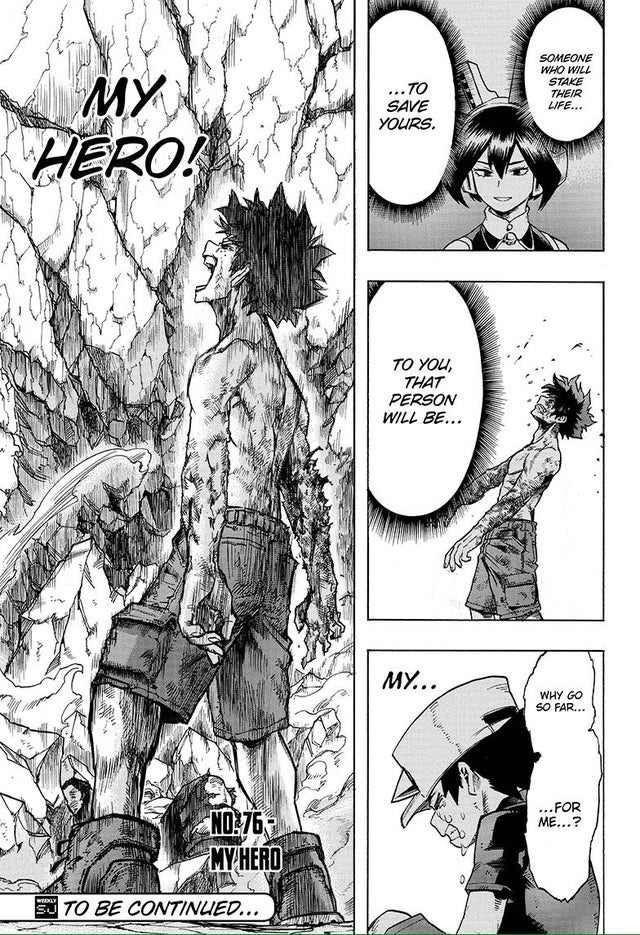
Choose page-based manga when page turns, spreads, or a future printed book matter most. Choose a vertical-scroll webtoon for phone-first storytelling and reveals controlled by scrolling. If both formats matter, adapt one complete scene before committing to a series. The decision changes how you compose panels, place dialogue, and reuse your artwork.
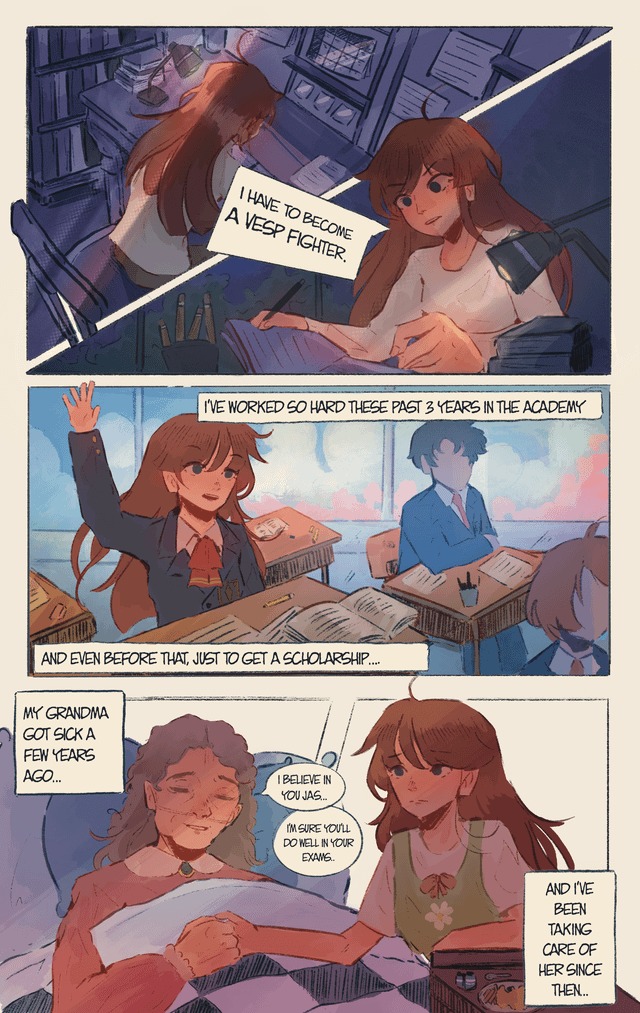
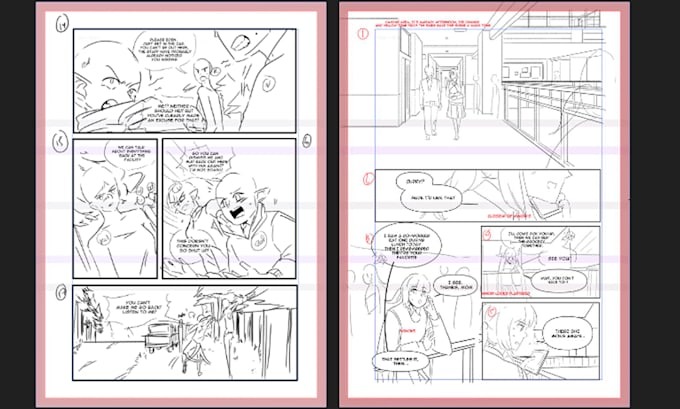
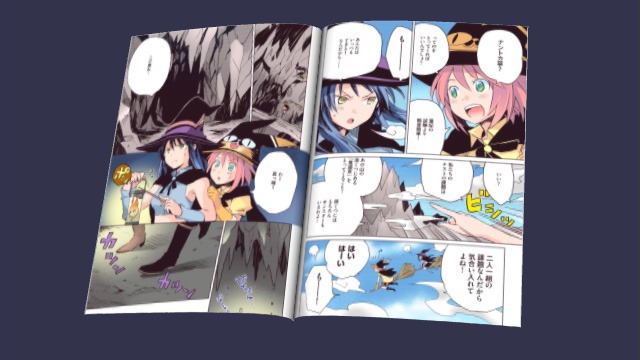
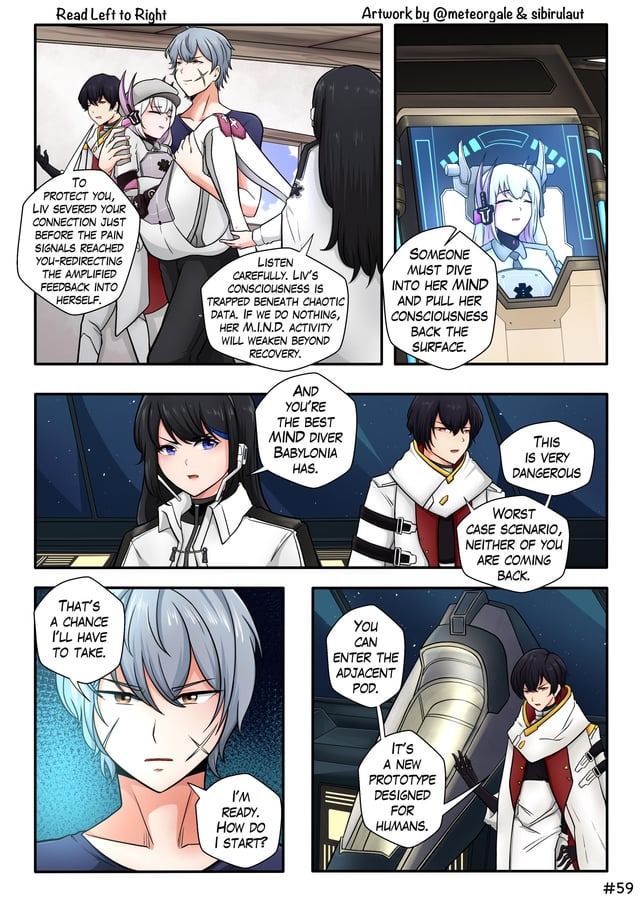
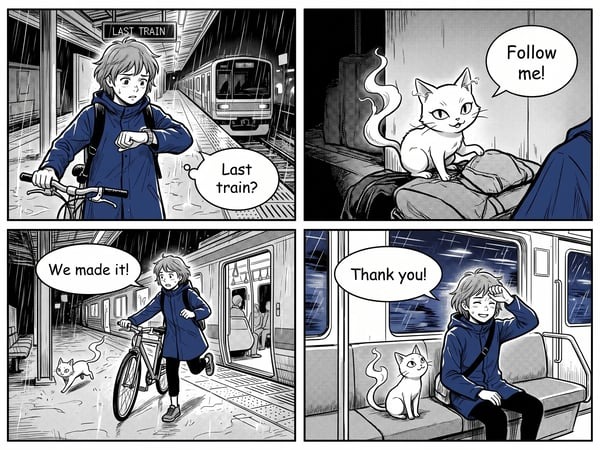
A manga page lets the reader take in several panels together. A vertical webtoon can hold the next image below the screen, revealing it only when someone scrolls. That difference sounds small until you try to move the same conversation, action sequence, or surprise from one layout into the other.
You can make a digital manga, draw a black-and-white webtoon, or publish a manga-inspired story in either layout. The real question is how readers will read the finished comic and what a later layout change will cost you.
Manga vs webtoon: the difference that matters
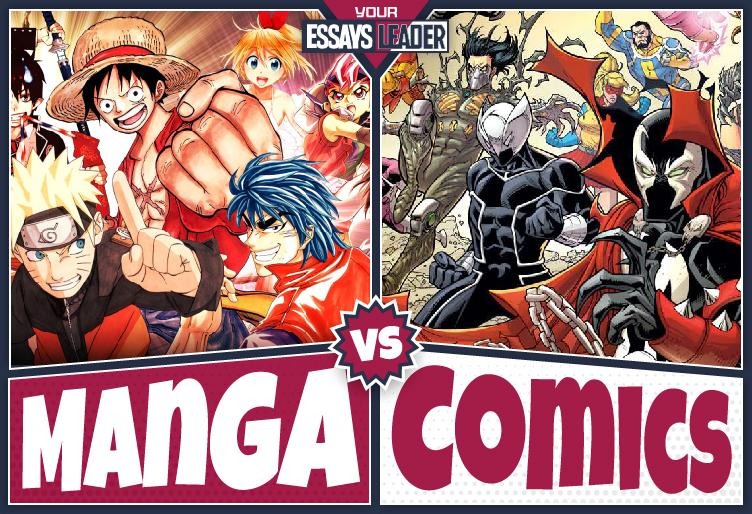
Manga is a comics tradition associated with Japan. Manhwa refers to Korean comics. A webtoon describes a digital comic presented for continuous scrolling, especially on a phone. People mix up the terms because one names where a comic comes from and the other names how it is displayed.
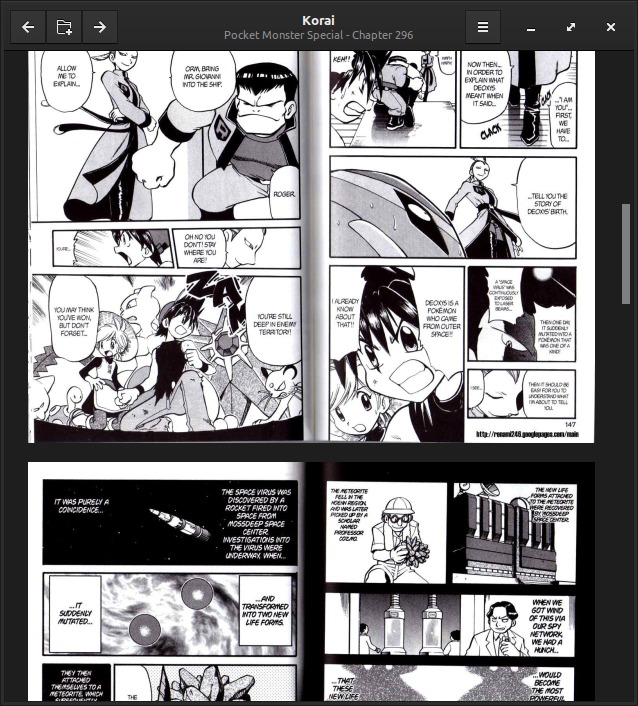
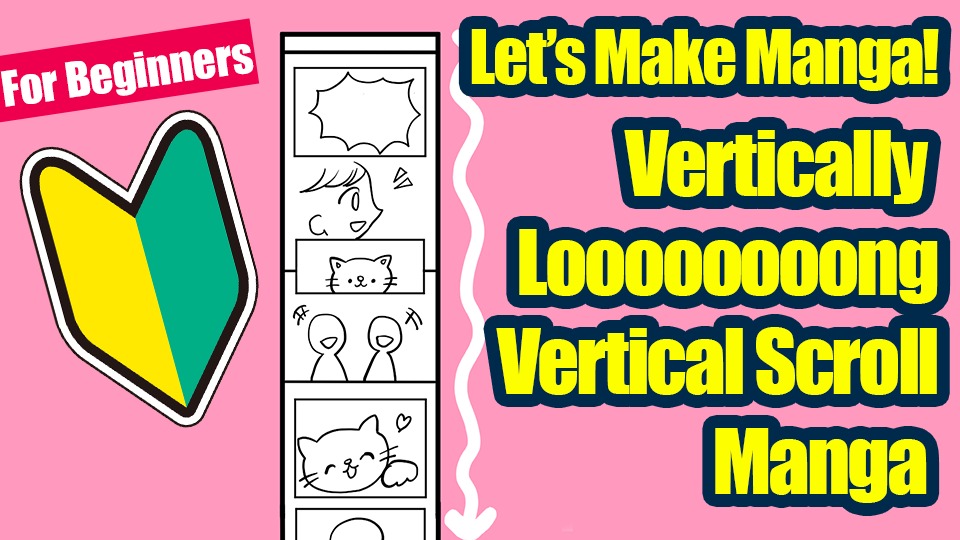
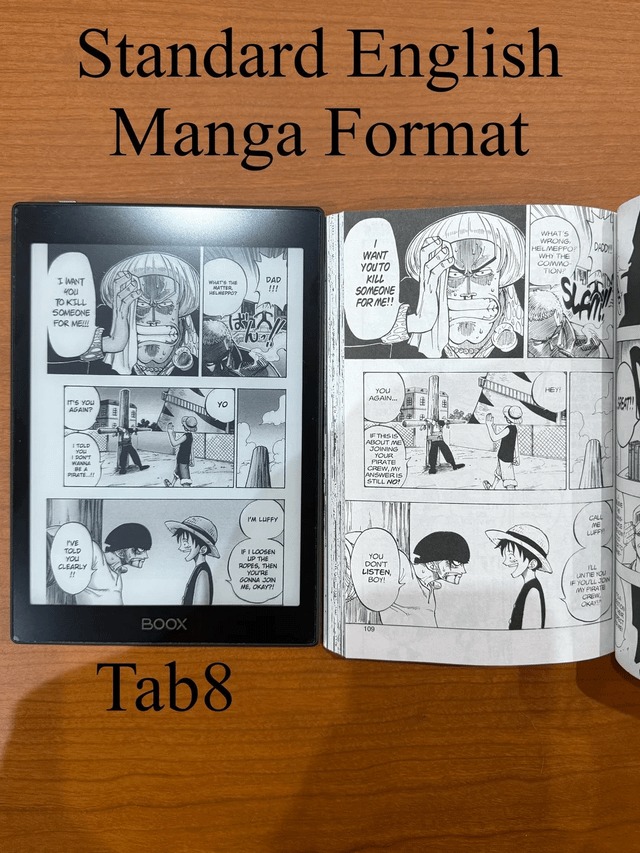
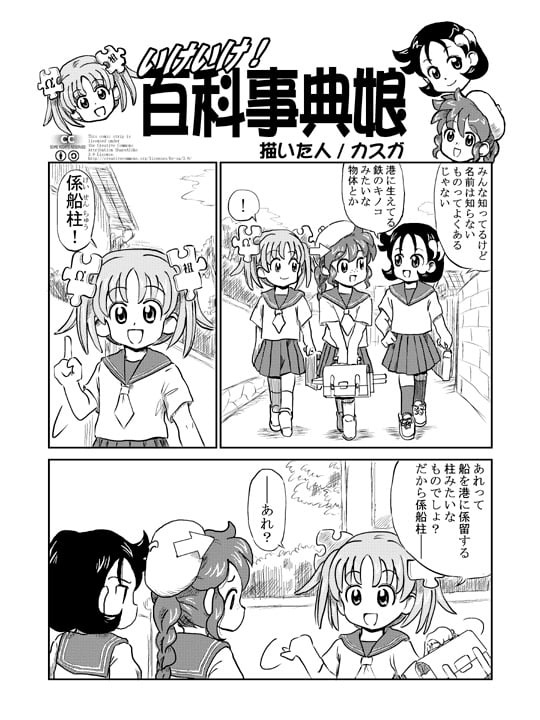
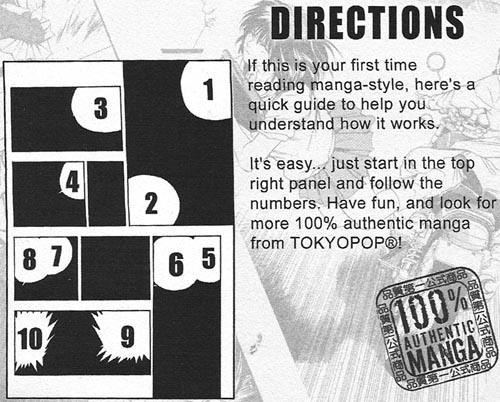
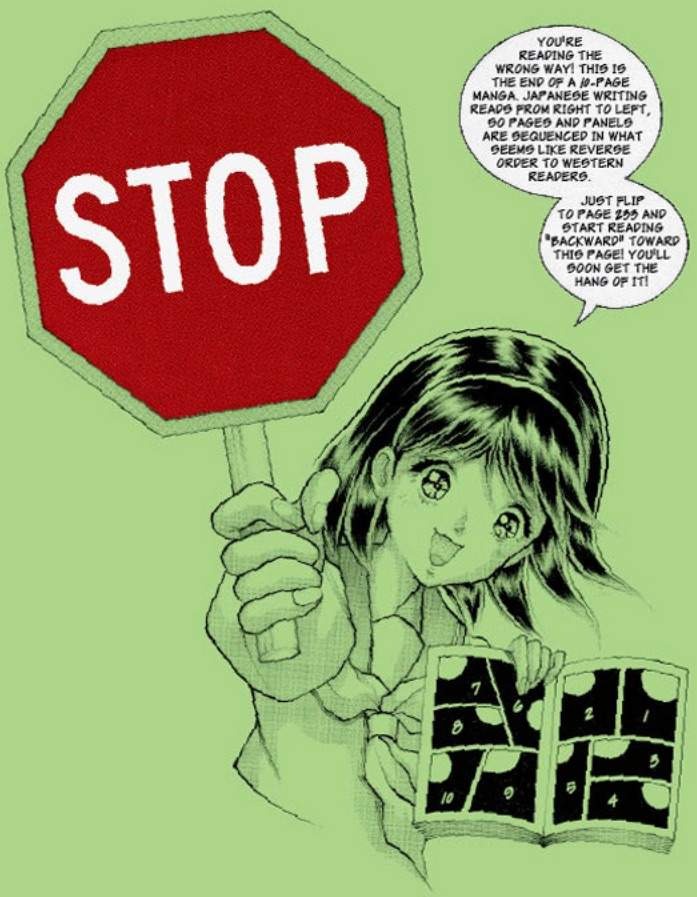
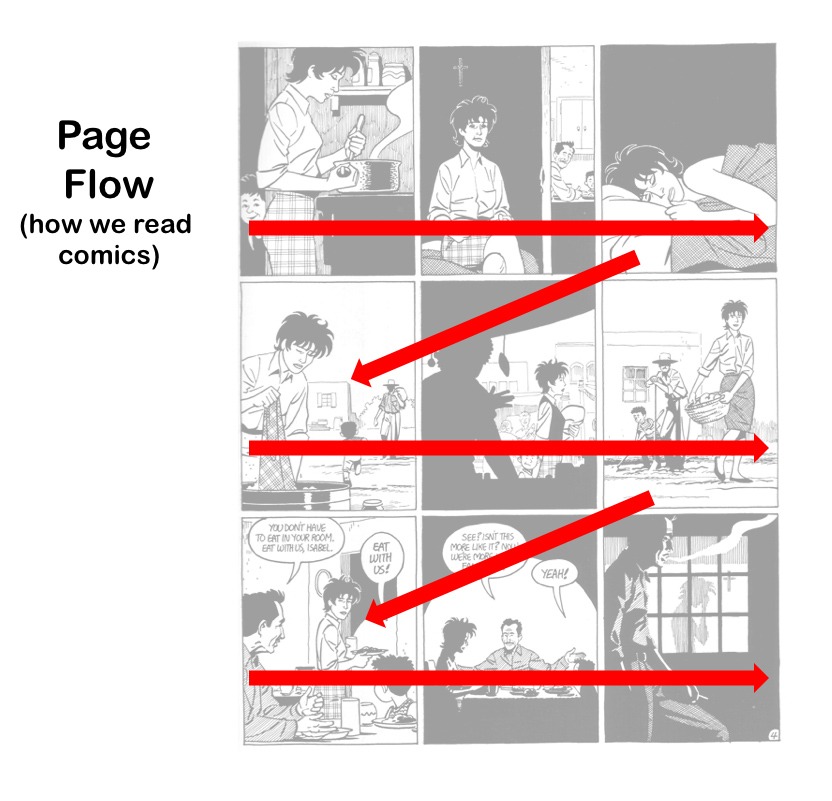
Japanese manga traditionally follows a right-to-left page-reading convention. With a vertically scrolling webtoon, the reader advances downward through the artwork.
Neither format requires a particular color palette: a manga-inspired comic can use full color, and a scroll-format comic can use black ink and tones. WEBTOON is also the name of a publishing platform, while vertical scrolling describes the layout itself.
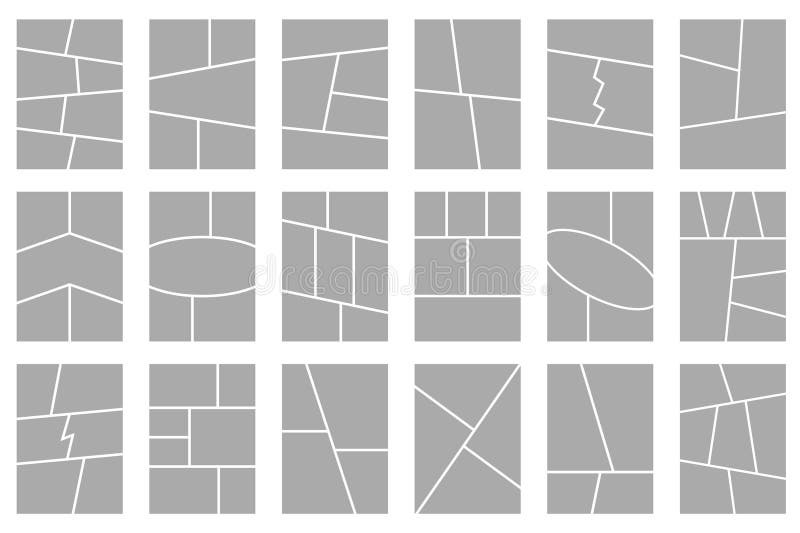
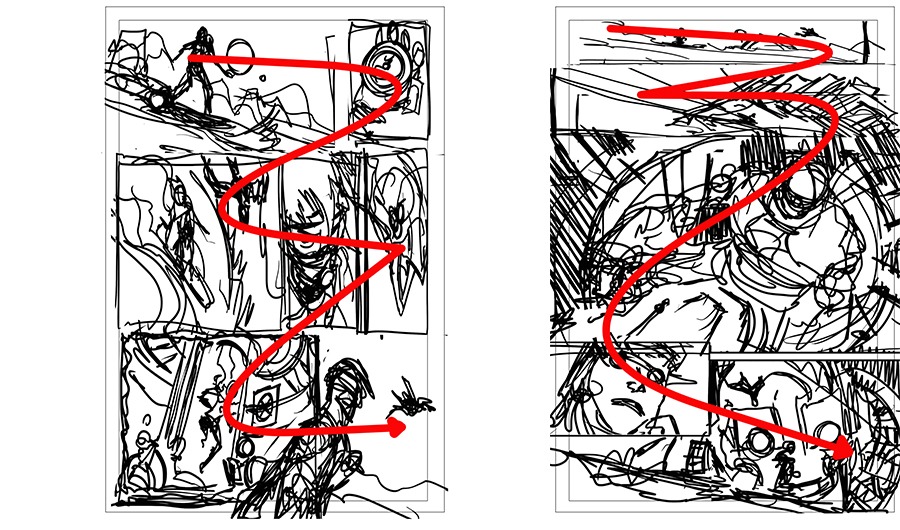
When you make a comic, the useful comparison is between a sequence of individually composed pages and a continuous vertical sequence. The unit you design around changes. For a page, you plan the full arrangement of panels, including any page turn or facing spread. For a vertical comic, you plan around what fits on the reader’s screen.
How page turns and scrolling change the same scene
A character reaches an apartment door. A sound comes from the hallway. The character opens the door and finds something unexpected.
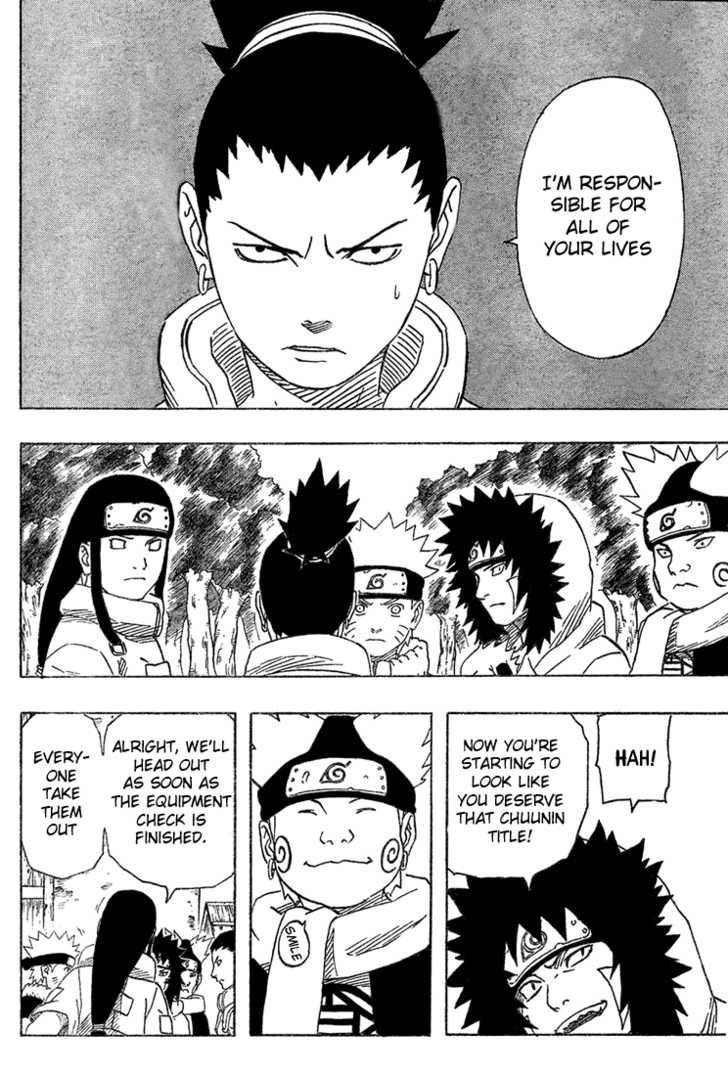
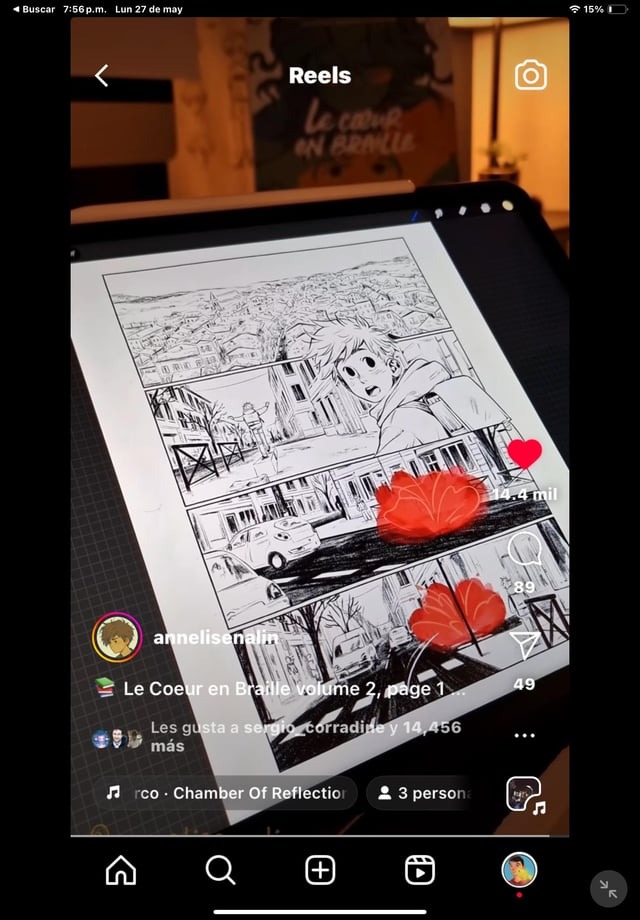
On a manga page, you can place the hand on the doorknob, the sound effect, and the character’s reaction in neighboring panels. The reader sees their relative sizes and positions. If the discovery belongs on the next page, turning that page becomes part of the surprise.
In a vertical webtoon, the door occupies one portion of the scroll, the sound another, and the unexpected discovery a third. You can put the discovery below the visible screen and use the reader’s scrolling movement to reveal it.
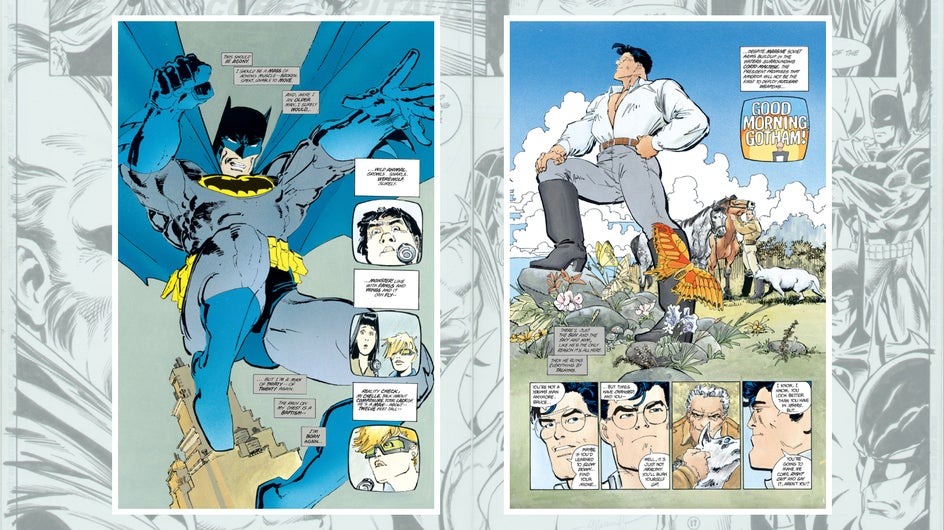
Both formats can stretch or compress a moment. A wide page panel stops the eye on a landscape or a sudden expression. A tall scroll panel keeps a scene unfolding beyond one screen. Space between panels also matters: a gutter separates moments on a page, while vertical distance alters the timing between images on a phone.
A long empty gap before a reveal builds anticipation. The same gap between two ordinary dialogue panels makes the conversation slow to read.
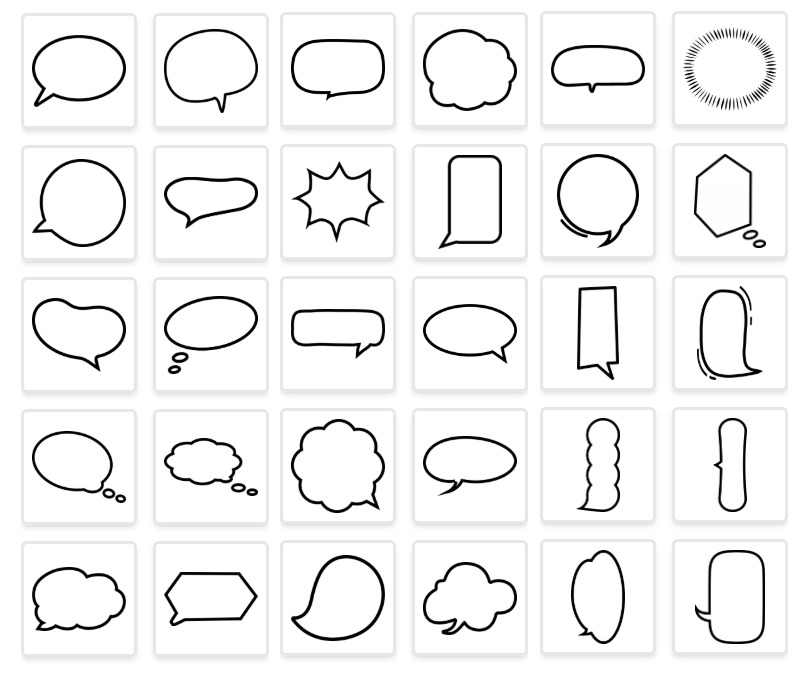
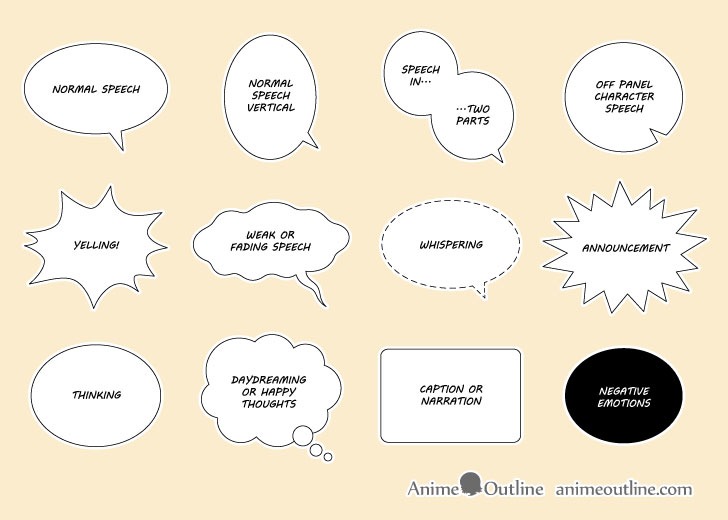
Dialogue creates another constraint. A balloon placed too early exposes a response before the reader reaches the reaction. Moving a scene between layouts can mean moving its speech balloons even when the drawings stay the same.
A 2023 eye-tracking study by Ching-Shiuan Chen compared page flipping and scrolling with 20 participants and subsequent interviews, and reported differences in reading and navigation behavior. In another 2023 study, Clare Kirtley and colleagues examined six panel-layout variations in one experiment and found that panel arrangement and the placement of content, including text, affect navigation through comics.
For the apartment-door scene, mark on a page thumbnail the order in which you want the reader to see each panel and speech balloon. On the vertical version, find where the discovery first enters the screen.
Which format fits the comic you want to make?
Start with what you plan to publish. Your taste and the extra work you will accept decide the rest.
| Your project | Start with | Main advantage | Trade-off |
|---|---|---|---|
| A one-shot intended for a printed zine or collection | Page-based | Deliberate page turns and spread composition | A scrolling edition needs repaneling |
| A serial designed around phone reading | Vertical-scroll | Panels and reveals composed for the screen | Print pages need rebuilding |
| A comic intended for both page and scroll distribution | Adaptable master artwork | More freedom to reframe the art | Extra drawing and layout work |
| A completed chapter already composed in pages | Keep the existing page master | Preserves finished page design | Small text and panels are hard to read on a phone |
| A completed vertical series being considered for print | Work from the existing scroll artwork | Retains original illustrations and scenes | Needs page composition and sometimes redrawing |
For an original one-shot, the choice is straightforward: a physical zine and a phone-native episode give readers different experiences. The hard case is a continuing series that may need both later.
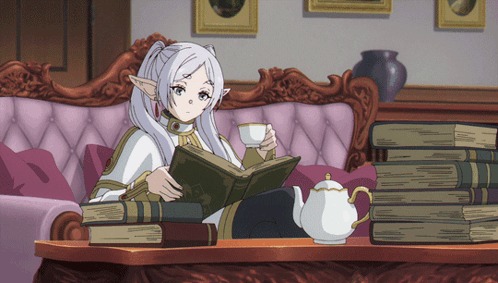
Some artists enjoy composing a full page, balancing several shots and using the turn to reveal the next scene. Others prefer letting a single image extend down the screen and using vertical space as part of the storytelling.
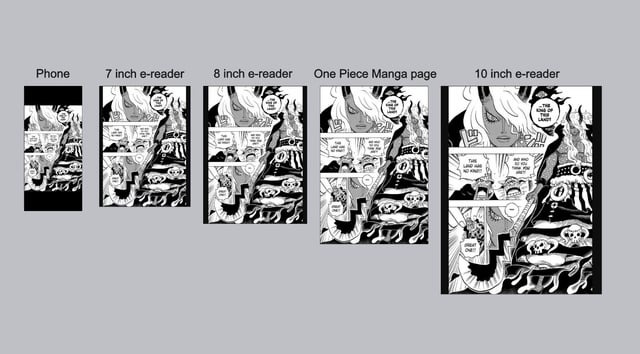
A comic distributed online can still be designed as pages. Guided panel viewing makes traditional pages easier to navigate on a small screen while preserving the page artwork.
Converting manga to webtoon and webtoon to manga
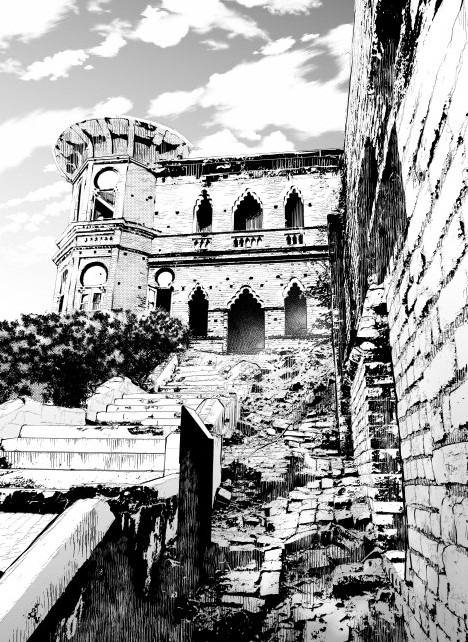
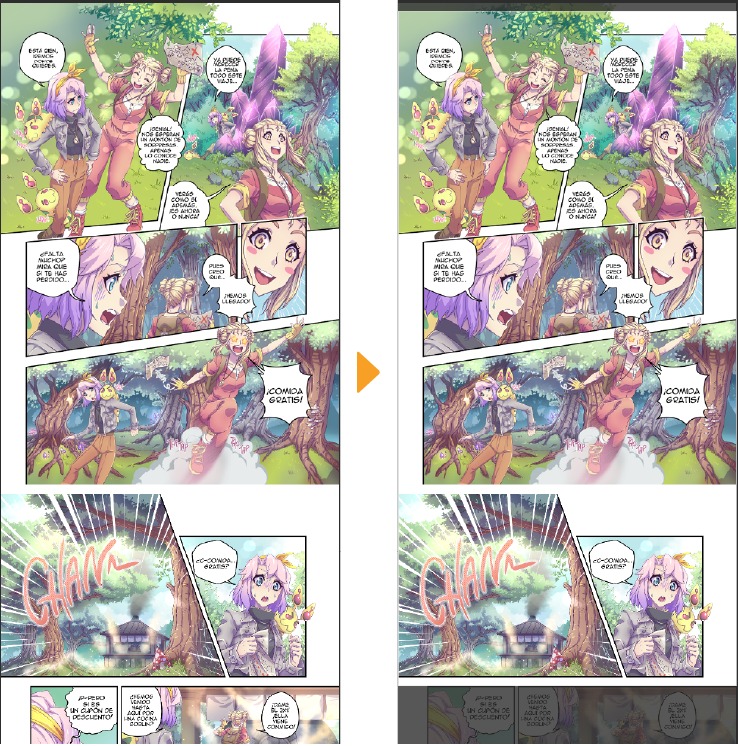
Much of the artwork survives a change in format, but you rebuild the layout. Resizing images leaves the original panel relationships intact. Repaneling changes those relationships to suit a different reading experience.
Converting pages to vertical scroll
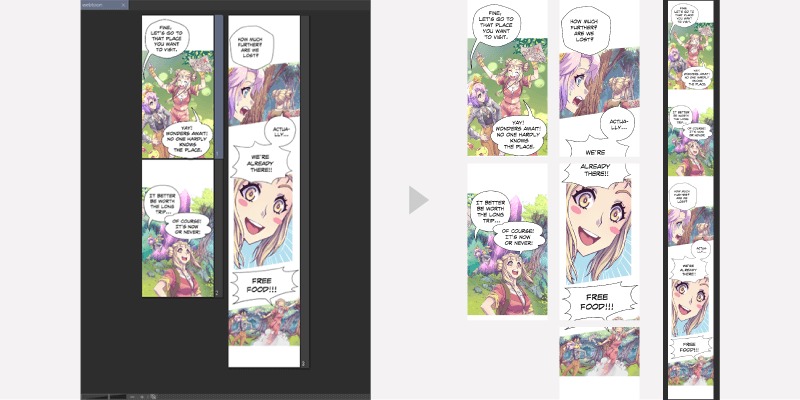
Stack the page panels vertically for a first pass. A small close-up that worked beside a large panel becomes tiny on a phone. Balloons sized for the page shrink with the image, and unusual panel shapes leave awkward gaps between scenes. A good adaptation means enlarging panels, spacing them out, moving dialogue and extending backgrounds. Sometimes you also draw new parts of a character. A page-turn reveal needs its own solution when the reader is scrolling continuously.
Converting vertical scroll to printed pages
The reverse direction creates its own composition problem. A tall image becomes two or more panels. Pauses that depend on scrolling disappear once neighboring moments share a printed page. A character framed for a narrow phone screen leaves too little background for a wider print composition.
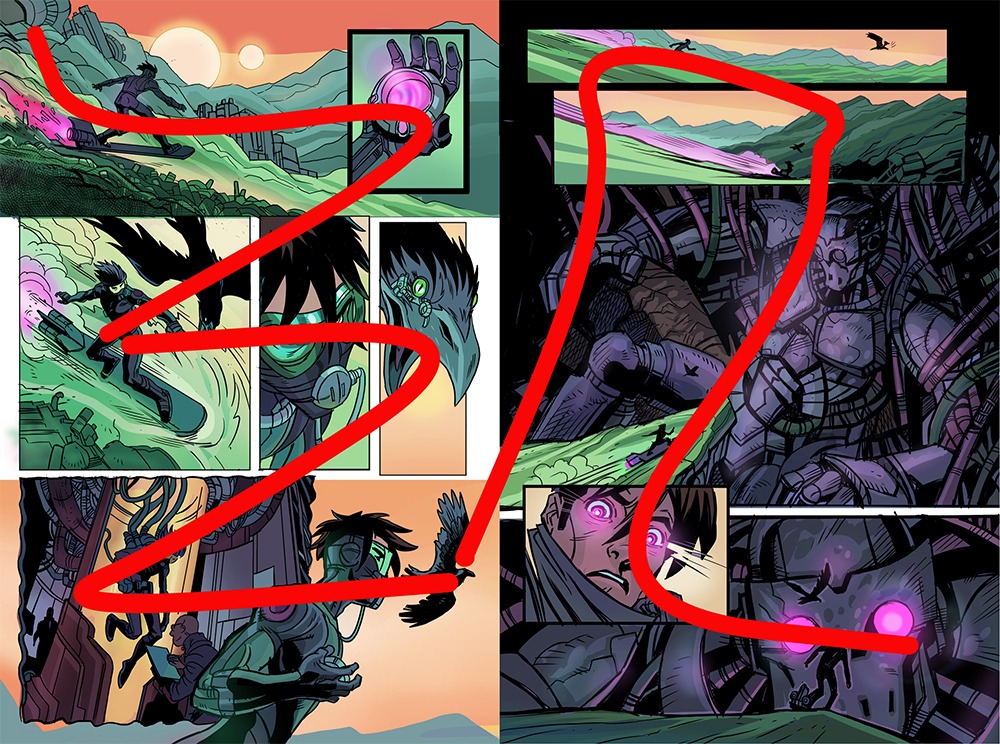
A writer whose comic appears on Facebook and Webtoon described how collaborating illustrators approached the two formats:
But yeah, i think it’s more practical to do the manga formatting first, and the adaptation to webtoon later.
I guess my suggestion would be to make everything from the get go the most adaptable possible… what i mean is, instead of drawing only a fraction of the body of the character that is going to appear in the pannel, draw their whole body, or maybe half of it. Draw way more of the background that you intend to show, don’t leave empty space where the bubbles will go, and so on.
Basically have all your drawings in separate layers and you can piece it together like a puzzle to fit the format you are going for.
Keep characters, backgrounds and lettering on separate layers, and draw past the crop. That costs time up front, and an elaborate spread or a scroll reveal still needs a new composition. Even so, a later layout starts with more material than a flattened, tightly cropped image offers.
If you want a printed book, plan for it early
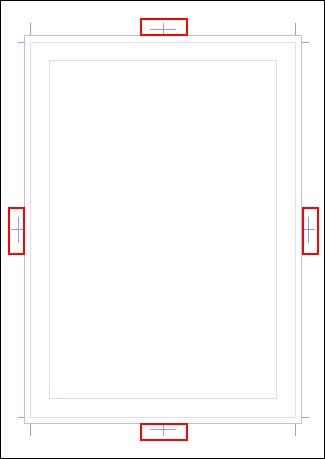
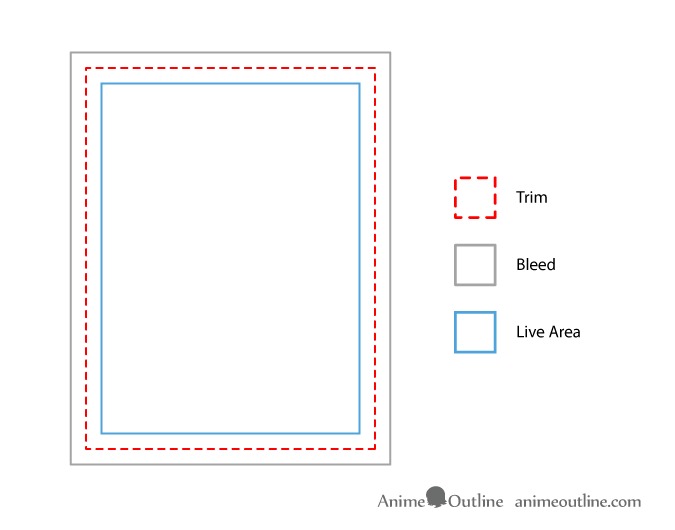
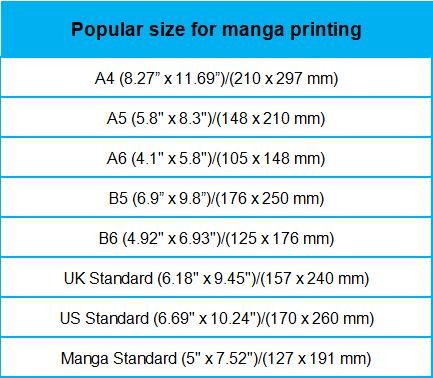
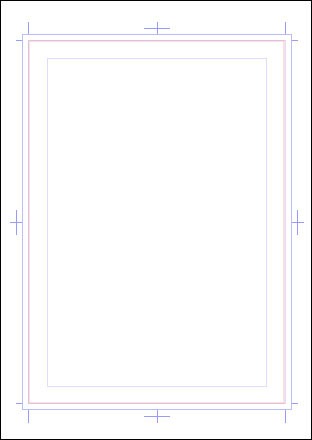
Your work has to fit physical pages: trim boundaries, margins, binding, and an intentional sequence of page turns.
A tall webtoon strip can be placed into a PDF, but a good printed edition needs its scenes composed for pages. Long vertical panels get divided, and a pause that scrolling used to create becomes a page turn or a new arrangement of smaller panels.
One creator described the frustration of realizing that their phone-oriented series no longer matched the printed edition they wanted:
I’ve been working on my comic for a while now and am still very much in love with it since the first day I started making it. But over the last few months I’ve really been regretting going all in on the webtoon format.
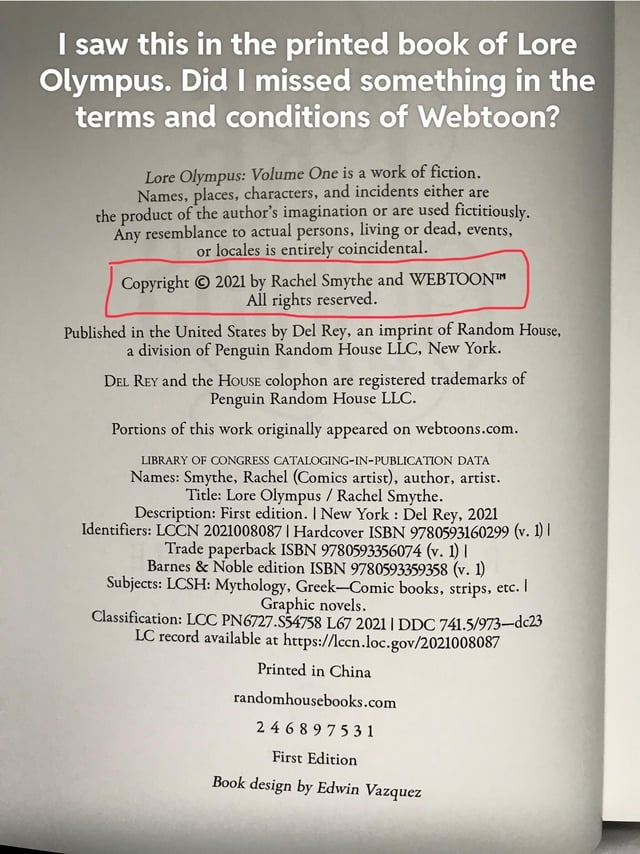
And yes I know a lot of popular webtoons have been converted to print recently, and…I’m sorry but I just don’t like how they look. … The webtoon repanelings just don’t read as well as traditional comic pages.
Printed adaptations of webtoons exist, and how they look is partly a matter of artistic preference.
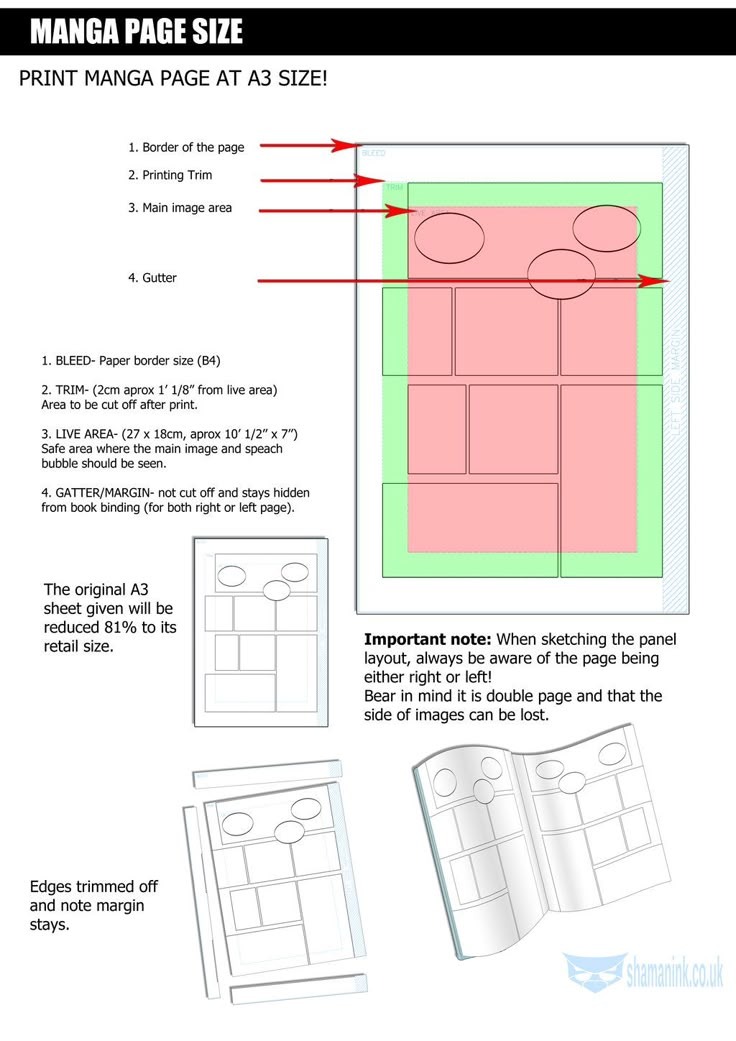
Print also adds production rules. Depending on the printer, artwork extending to the page edge requires bleed, and dialogue needs to stay clear within the final trimmed area.
Amazon KDP’s paperback preparation guidance distinguishes trim, bleed, and margin requirements. KDP requires a PDF interior when artwork bleeds to the page edge. For right-to-left paperback printing, KDP lists Japanese, Hebrew, and Yiddish as supported languages. If you’re planning an English-language manga that reads right-to-left, confirm that your intended printing service supports that book setup before preparing the full interior.
For a planned print edition, make a two-page proof at the size and margins specified by your printing service. Inspect the lettering, the visible space near the binding, and how a scene reads across the page turn.
Canvas size, export files and phone readability
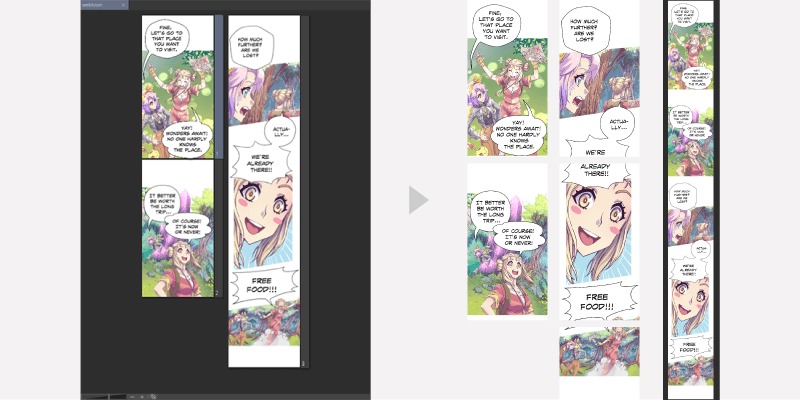
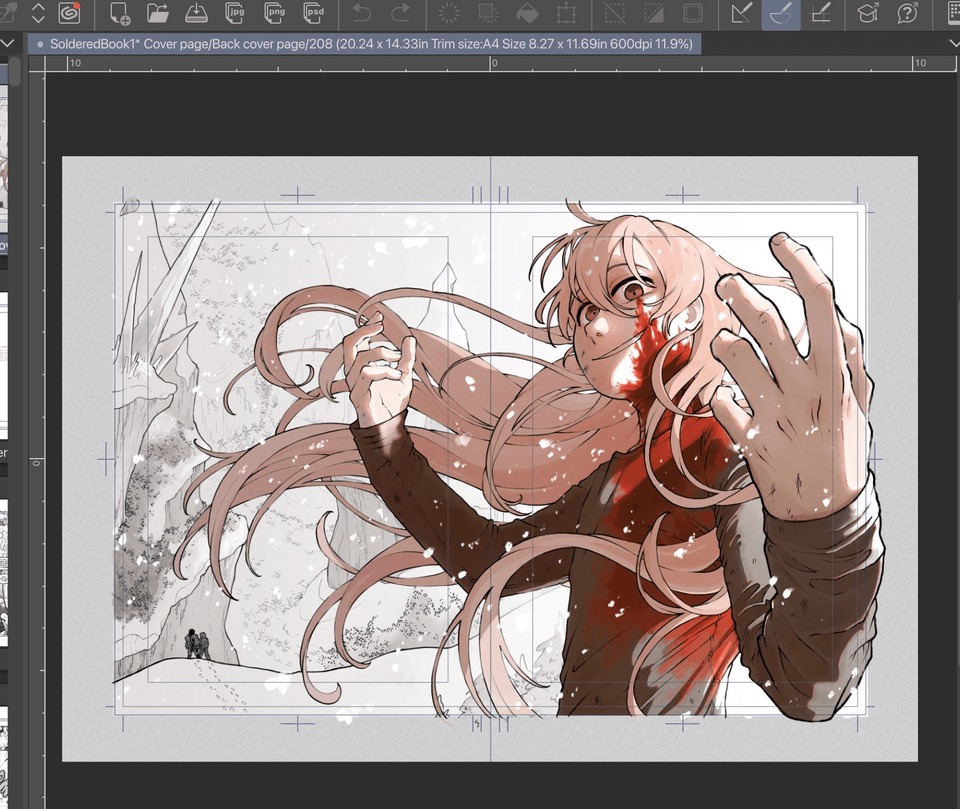
The master artwork preserves layers, fine line work, original resolution, and material beyond the final crop. The upload version is scaled, compressed, and divided into shorter files. Series and episode thumbnails serve their own purposes and need separate images.
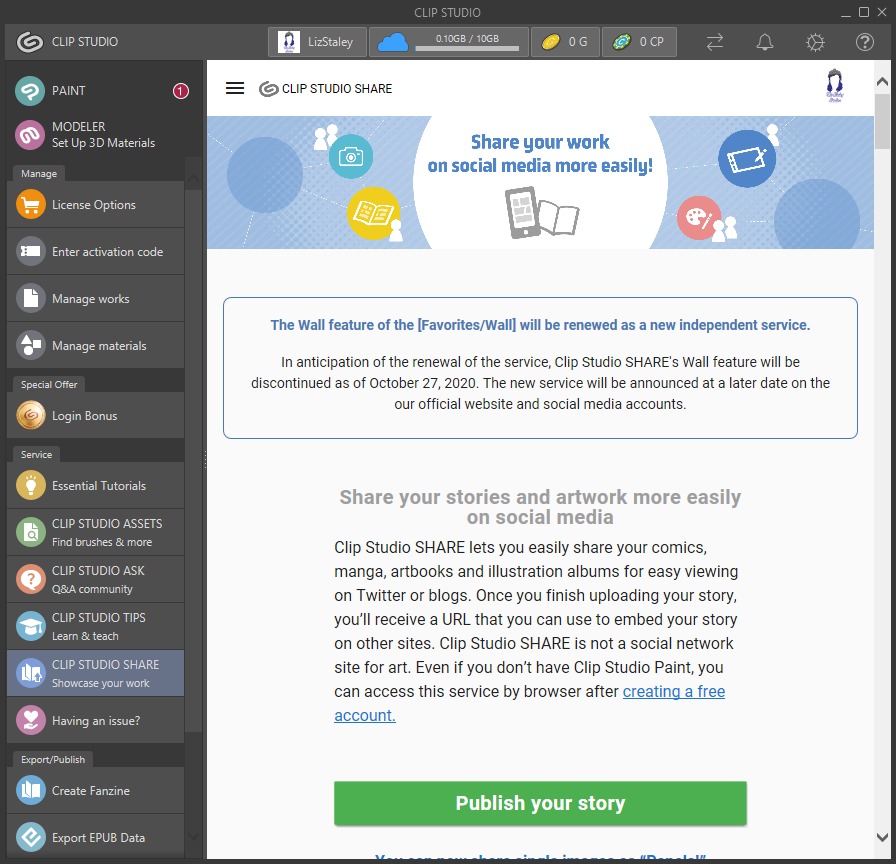
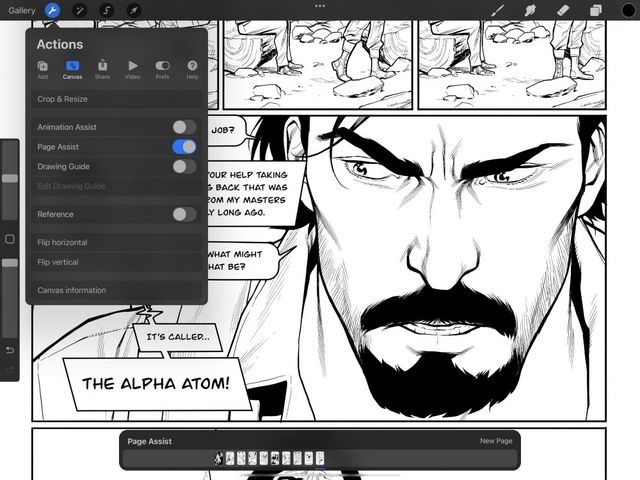
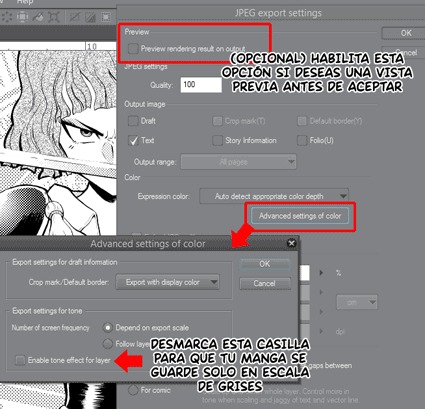
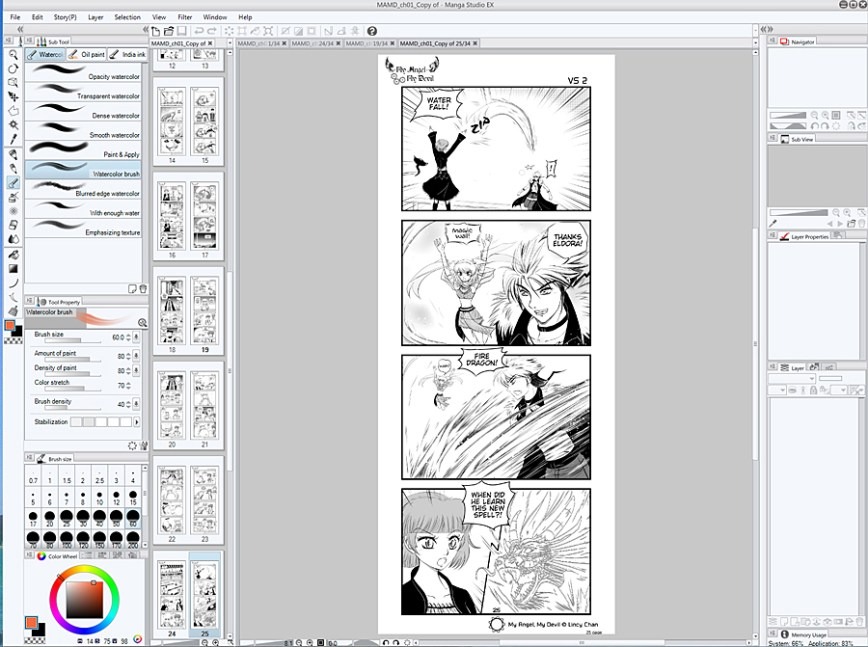
Clip Studio Paint documents a webtoon on-screen-area preview and an export process for splitting long artwork into vertical JPG or PNG files.
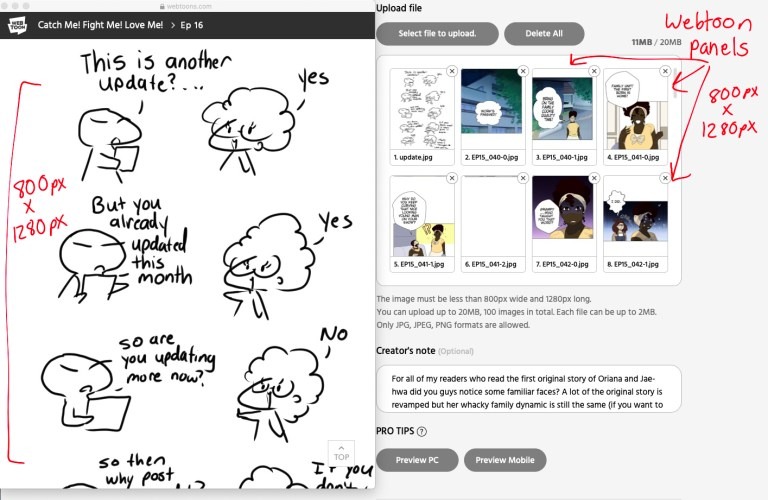
WEBTOON Academy’s 2024 checklist gave an 800 × 1,280-pixel preparation size for individual episode images. Upload limits and processing rules depend on the publishing destination.
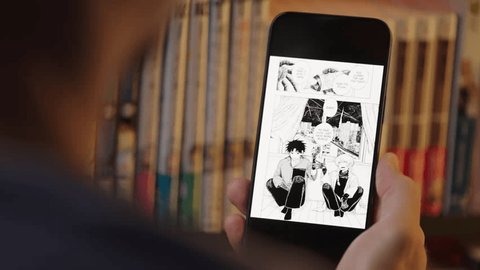
A creator described what happened when exporting much larger working artwork into smaller webtoon images:
So, this is the horrible effect I get every time I export my webtoon strip, split up. I work on files that are 2400px x 10,000px at 350 dpi resolution. The export for webtoon, however, is 800×1280 at 72 dpi (otherwise the files are too large and I can’t stay within the MB limit set by the platform).
The creator’s files shrink from 2400 × 10,000 px to 800 × 1280 px. On a phone, the exported pixel dimensions, resizing process, and displayed size affect how the art appears. DPI metadata serves a different purpose from the number of pixels available on the screen.
Export a representative segment using your service’s file settings, then view it on a phone at its normal reading size. Inspect the smallest speech balloons, line quality, panel joins, and spacing between moments. A file that meets an upload limit can still be difficult to read.
Platforms and reading formats
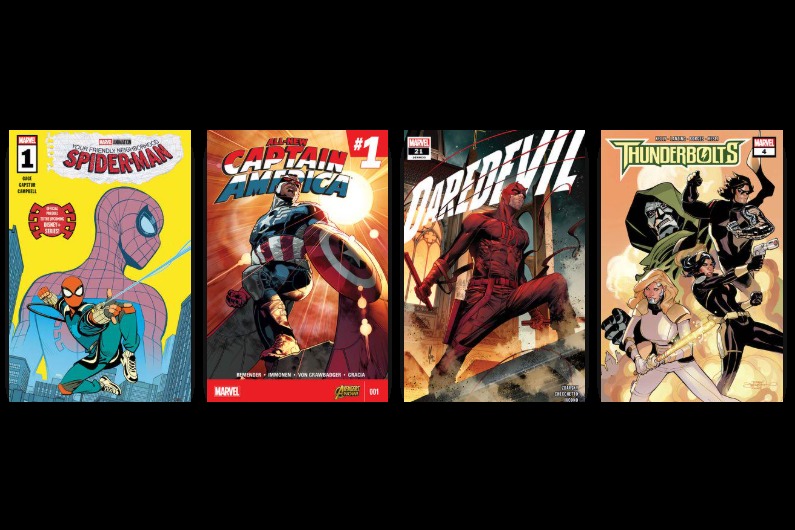
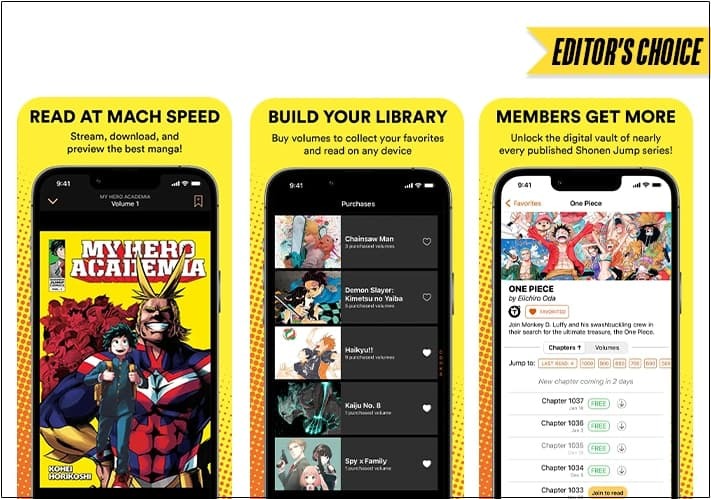
- MANGA Plus Creators by SHUEISHA supports horizontal and vertical reading formats.
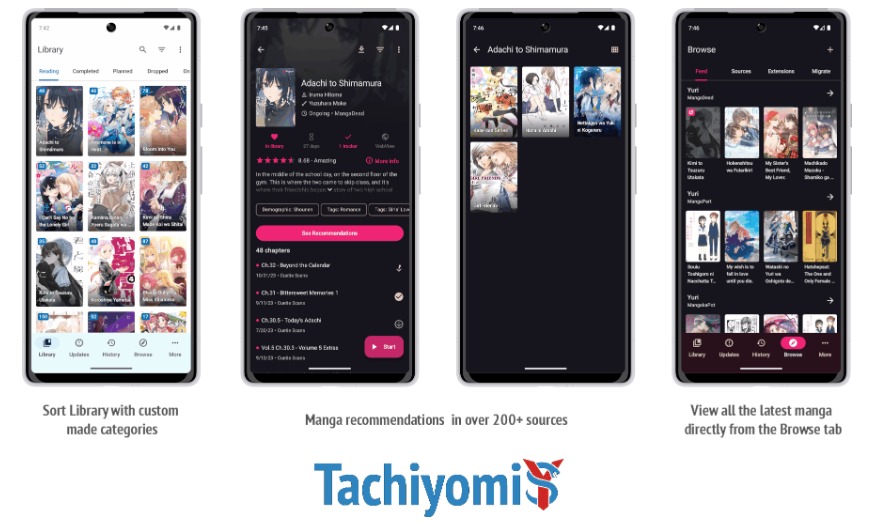
- GlobalComix documents an Interactive Reading Mode for guided panel-by-panel viewing of page artwork.
- WEBTOON CANVAS provides a publishing workflow for vertically arranged episodes.
The MANGA Plus Creators FAQ states that changing a published episode’s reading direction requires deleting and reposting it, which resets its views, likes, favorites, and badges. Before publishing, look up the service’s reading-direction setting and its rules for changing that setting after release.
Test one scene in three layouts
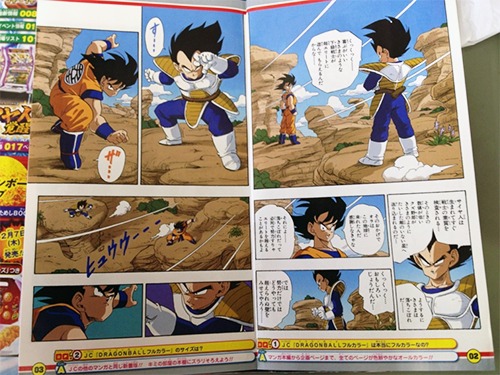
Adapt one short scene three ways before you draw a series. Keep the story the same and change only the layout. Use the apartment-door scene from earlier.
Version A: A composed page
Arrange the door, sound, reaction, and discovery as intentional panels. Decide which panels share a page and whether the surprise waits for the page turn. Letter the scene to follow the page-reading direction you chose.
Version B: The original panels stacked vertically
Separate the panels and place them one beneath another without changing their proportions. Expect the reaction panel to get too narrow for comfortable reading and the surprise to show up on the screen earlier than you want.
Version C: A composition designed for scrolling
Now arrange the scene around scrolling. Make the door a tall image. Give the noise and the reaction their own moments, and position the discovery below the initially visible screen area.
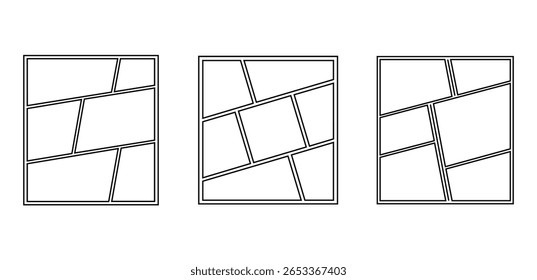
| What to compare | A: Composed page | B: Stacked panels | C: Designed scroll |
|---|---|---|---|
| What appears together | Several deliberately arranged panels | Original panels shown according to screen width | Moments organized around the scrolling screen |
| Reveal timing | Panel placement and page turn | Shifts unintentionally | Vertical placement and scrolling |
| Lettering | Sized for the chosen page | Shrinks with the artwork | Sized and positioned for phone reading |
| Artwork reuse | Original page composition | Many panels transfer directly | Some crops, backgrounds, or panels change |
| Preparation for a second format | Needs adaptation if used as scroll | Quick to set up, awkward to read | Needs major page reconstruction for print |
How to interpret the result
Judge the result in this order:
- Reading experience: Does the reveal land where you want it, and can the dialogue be followed in your main format? If the scene fails that requirement, the layout needs work regardless of how much art you reused.
- Extra work: Identify which backgrounds, character crops, balloons, and panels needed adjustment. Count the components that require new drawing or substantial rearrangement.
- If you want both formats: When both layouts read well, compare the extra work of maintaining the other edition. A format that looks excellent alone can demand too much repeated adaptation for the series you plan to make.
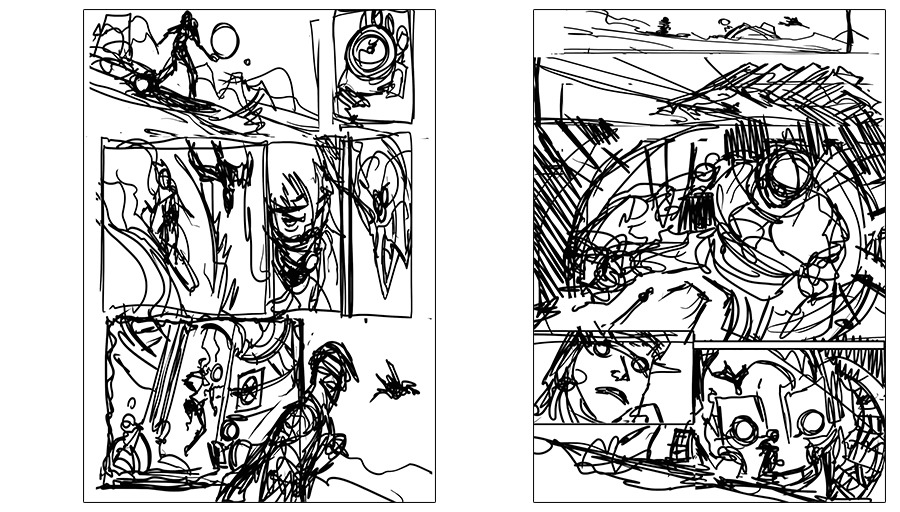
If the page version gives the stronger reveal and the scroll version gives clearer lettering on a phone, the version your readers will mostly use decides which strength wins.